
Splot, right
inside Claude.
Plan your week, start a workout or log a meal in Claude. Splot remembers it all, so no chat starts from zero.

Plan push day for tomorrow.

Meet Splot in Claude. He keeps every workout and meal you plan in the chat, and waits for you in the app.
Plan the days
ahead.
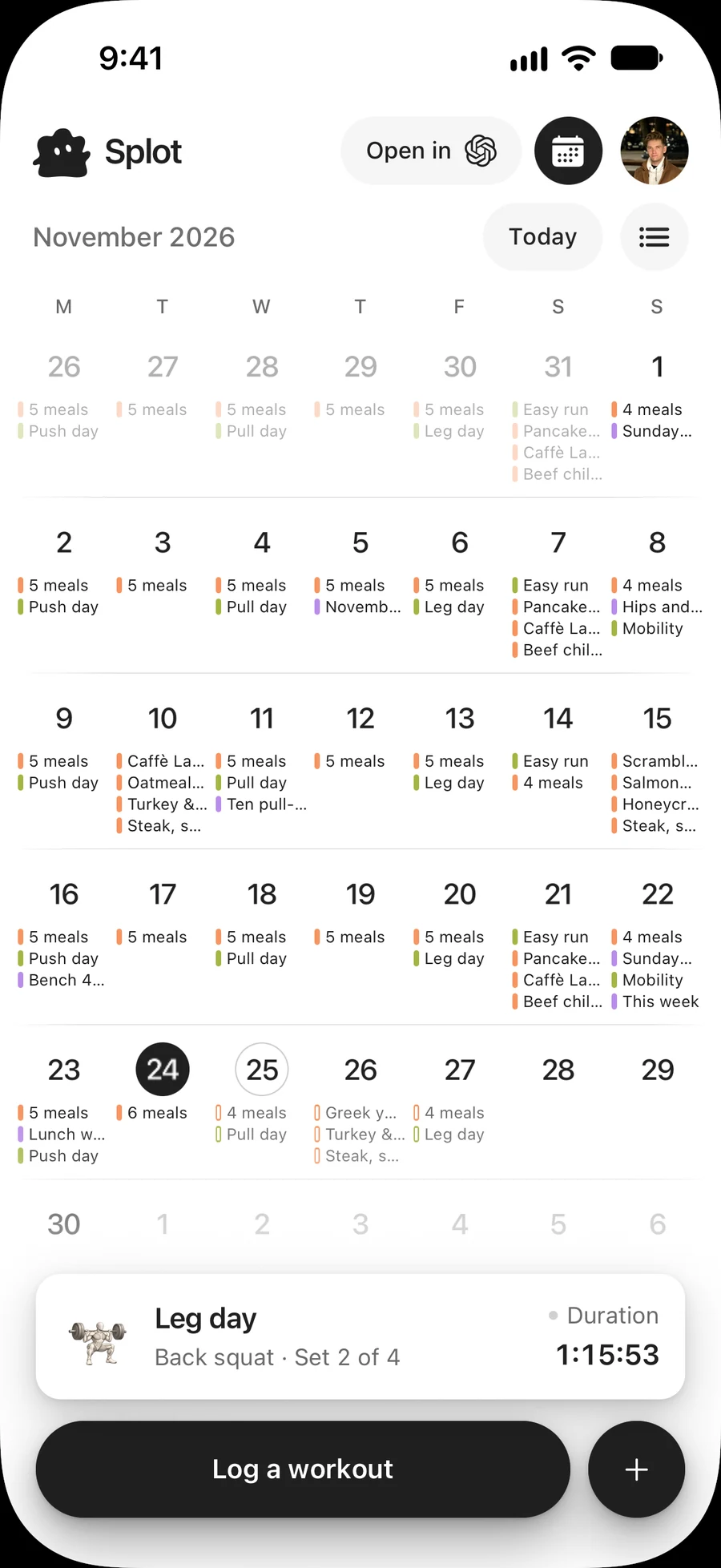
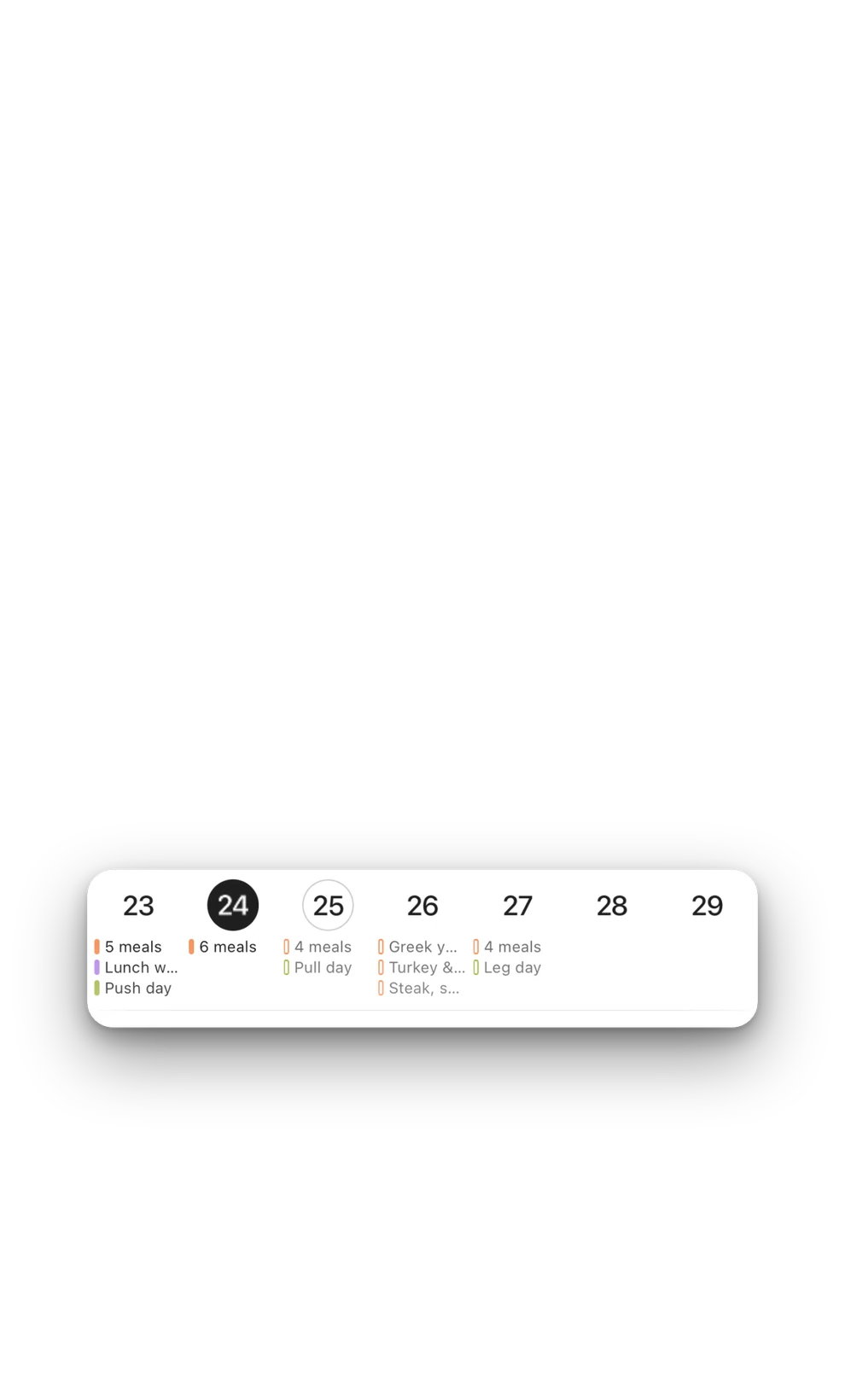
Ask for the next few days of workouts and meals. Splot lays them out against your targets, right in your calendar.
Plan my workouts and meals for the next three days.

Start a workout
from the chat.
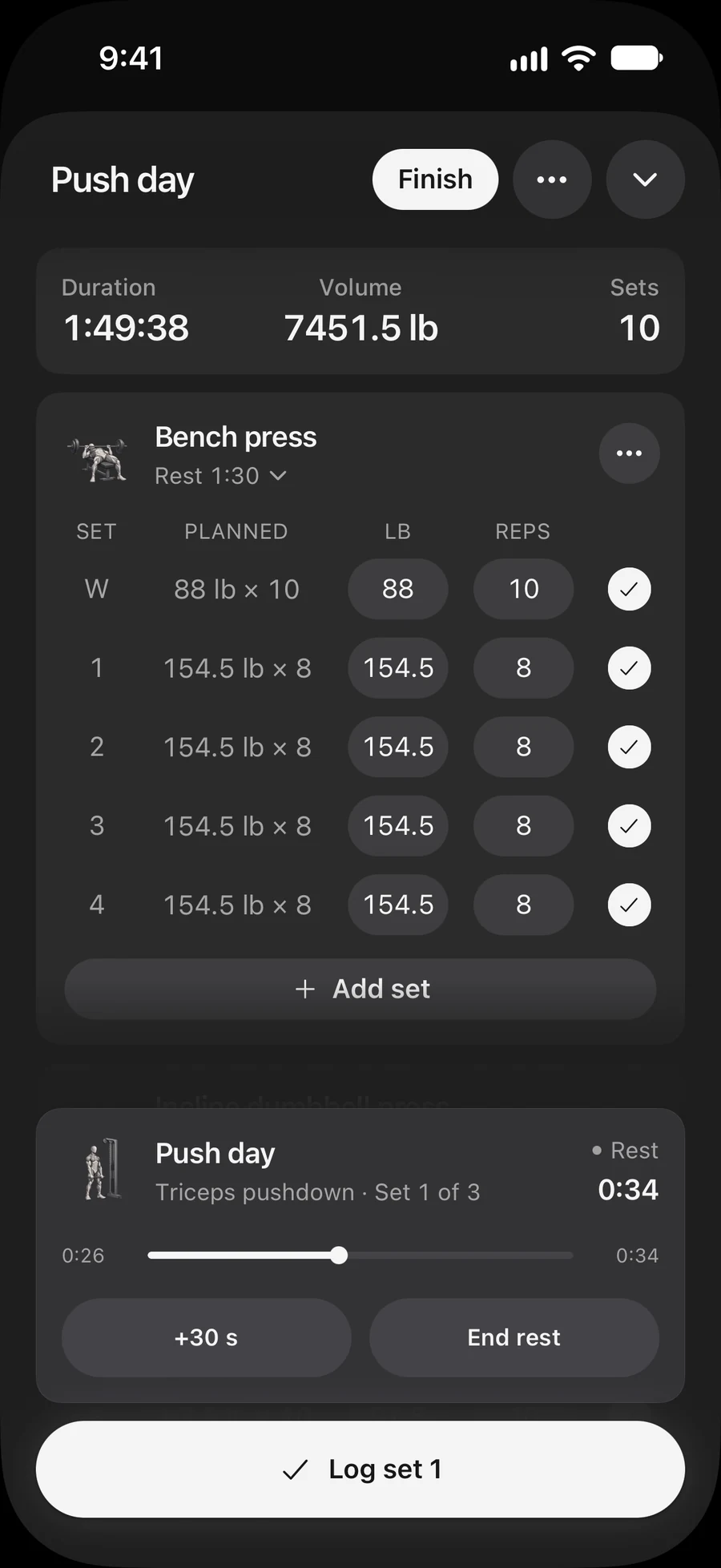
Say you’re starting. The workout starts in Claude, set by set, and the same session is live on your phone.
Start push day.

Log a meal
in a sentence.
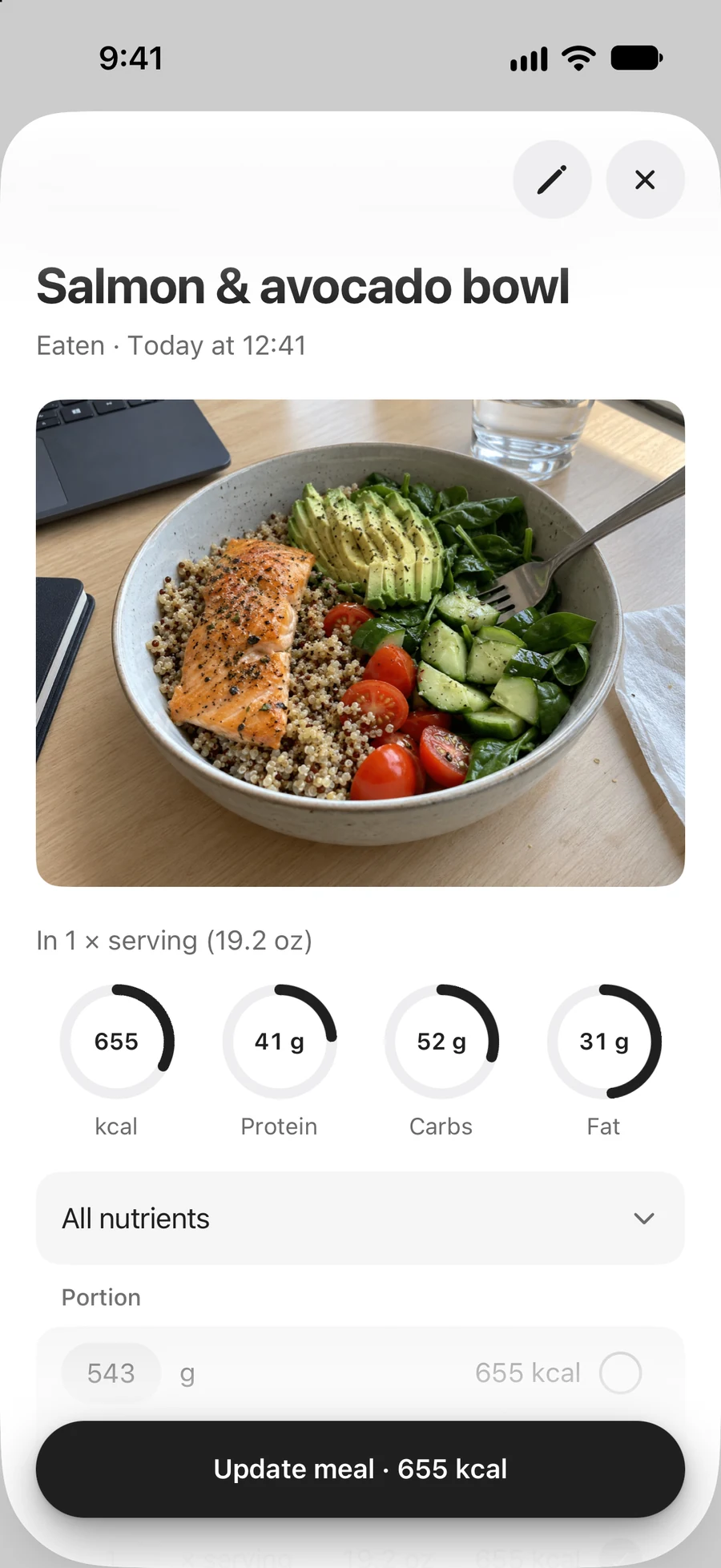
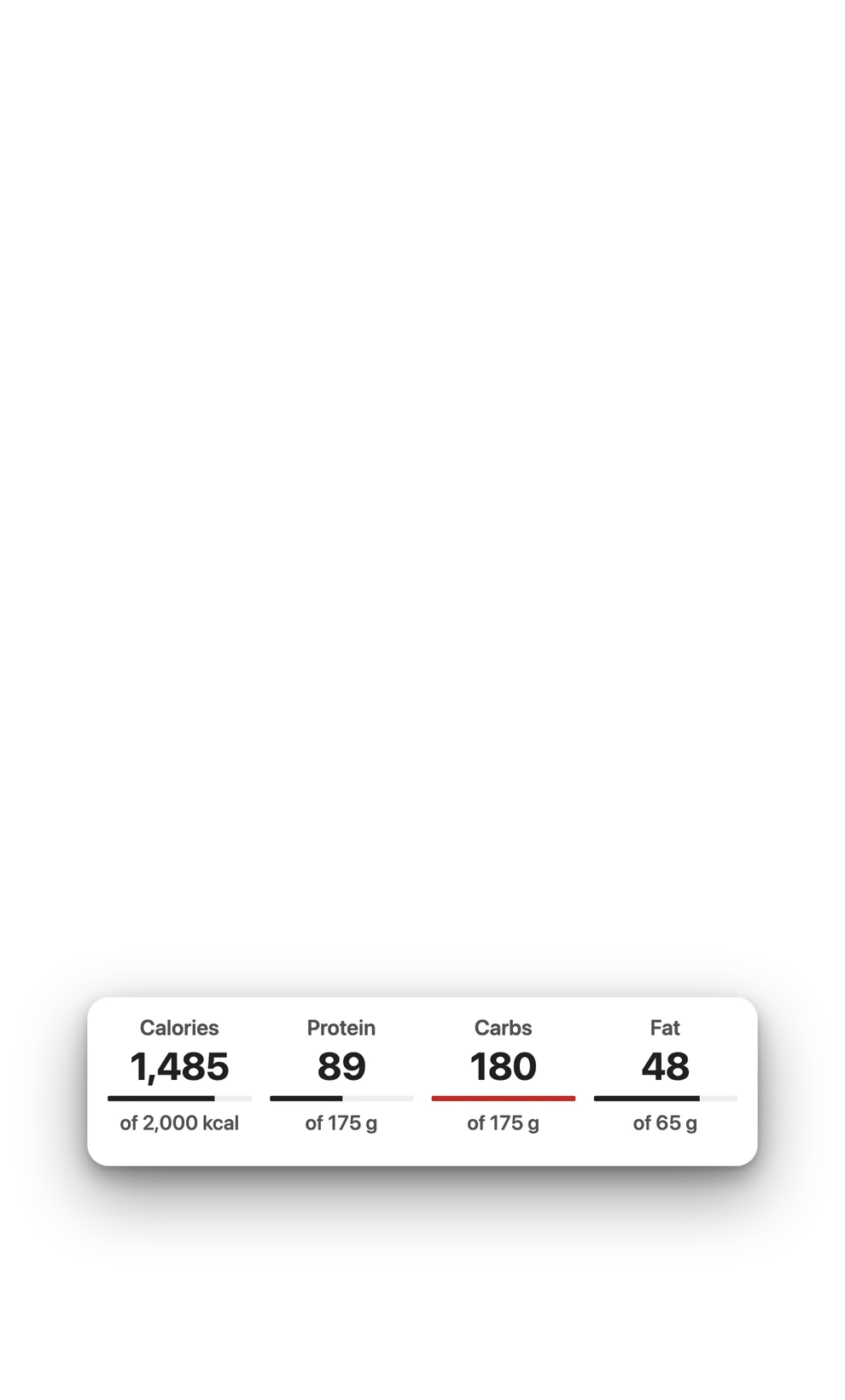
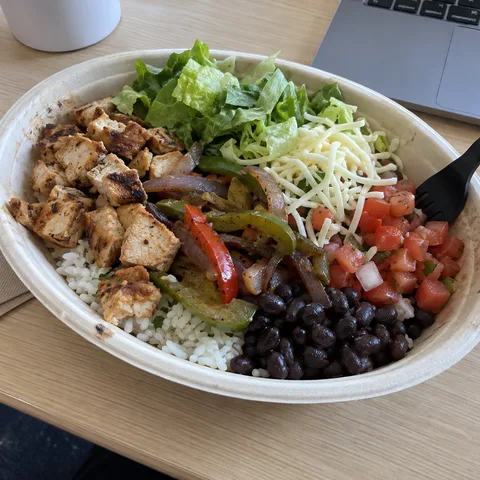
Tell Claude what you had, or send a photo. It estimates the meal, and Splot saves it against your day’s targets.
Salmon and avocado bowl for lunch.

Ask how
it went.
Ask about any session or week. Claude reads your Splot journal, and the app charts every exercise.
How did push day go yesterday?

All 12 sets in 64 minutes. Bench held at 154.5 lb, one rep short on the last set, and your heaviest bench set is up 16.5 lb since September.
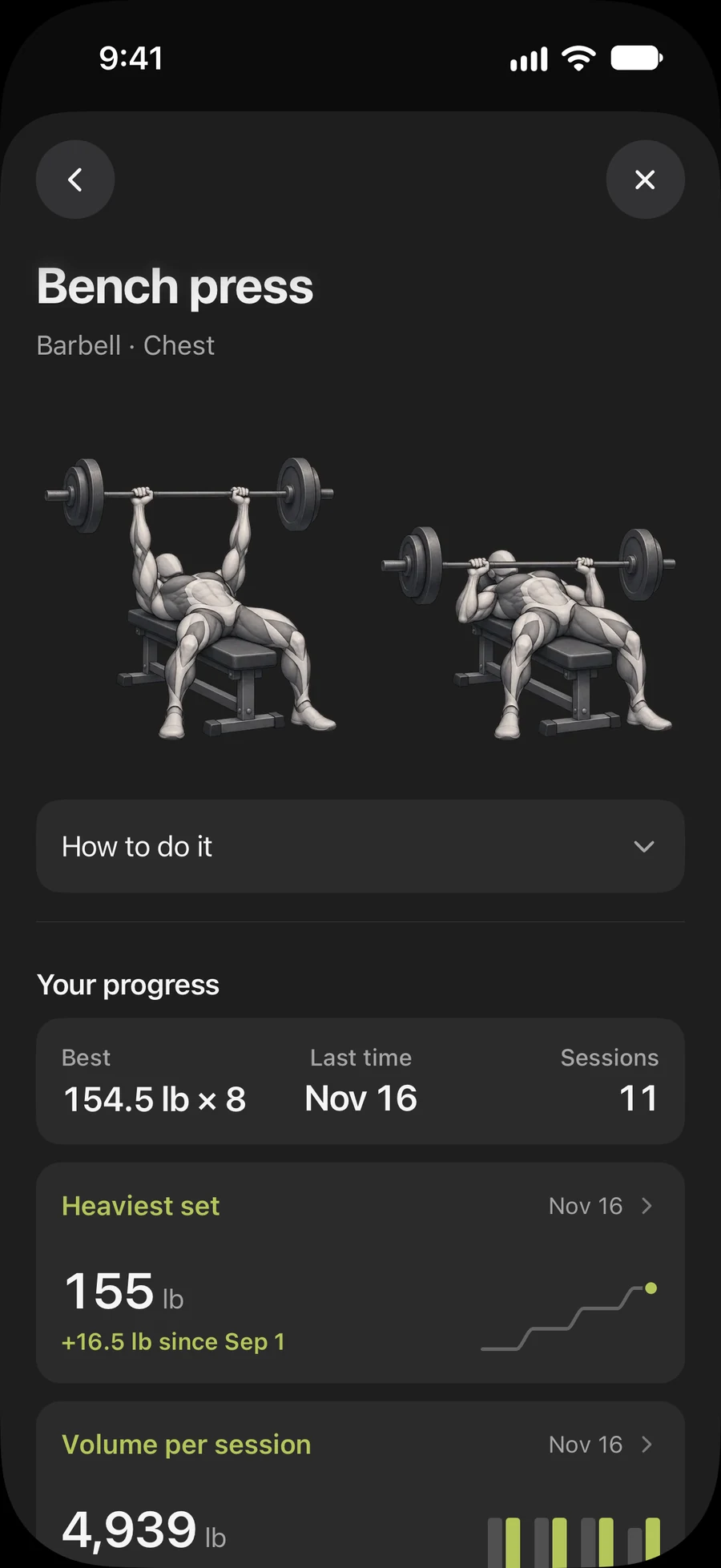
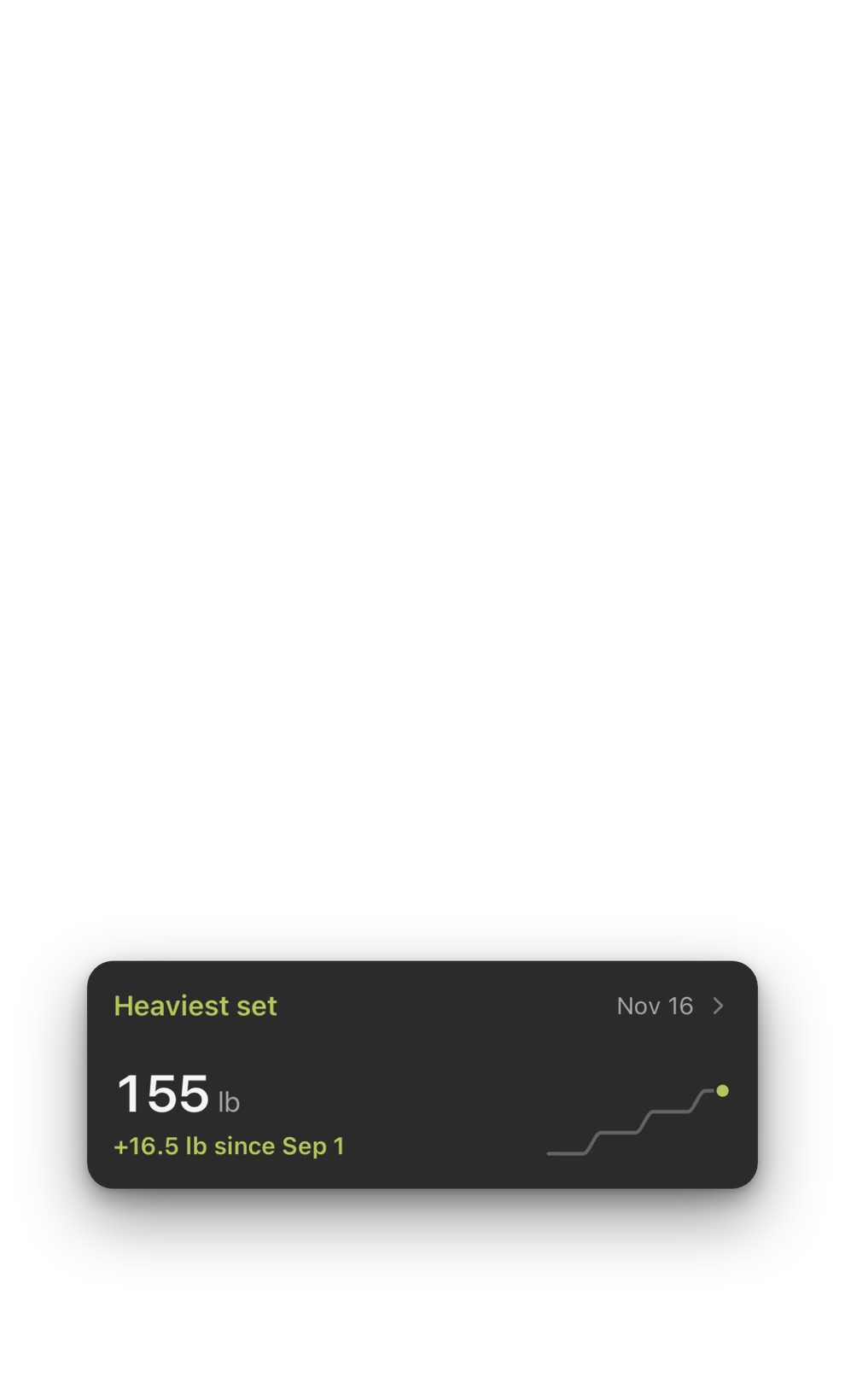
One journal, both ways. What Claude saves is in Splot, and what you log in Splot is there the next time you ask.
On its ownA new chat doesn’t know yesterday’s workout.
With SplotEvery workout and meal is saved, so any chat picks up where the last one stopped.
On its ownIt guesses your weights from what you remember.
With SplotIt sees last session’s sets before it suggests today’s.
On its ownIt can’t tell whether you’re getting stronger.
With SplotIt compares every exercise over weeks, from what you logged.
On its ownCalories from a photo are lost when the chat ends.
With SplotEvery meal Claude estimates is saved against your day’s targets.
On its ownAdvice is generic, because it can’t see what you do.
With SplotPlans and answers come from your own sessions, meals and targets.
On its ownA plan stays in the chat it was written in.
With SplotPlans land in your calendar, ready to follow set by set.
On its ownWhat you log at the gym never reaches the chat.
With SplotLog in the app, and Claude sees it the next time you ask.
Connect once,
in a couple of minutes.
It works on Claude Free, Pro and Max, in the Claude app and on claude.ai.
Add a custom connector
In a chat, choose + → Connectors → Add connector → Add custom connector.
Enter Splot’s address
Name it Splot, enter the address below, choose Continue, then Add.
Sign in and allow
Use Apple or Google. Splot is then on in + → Connectors.
https://app.splot.health/mcpThere’s more
in the app.
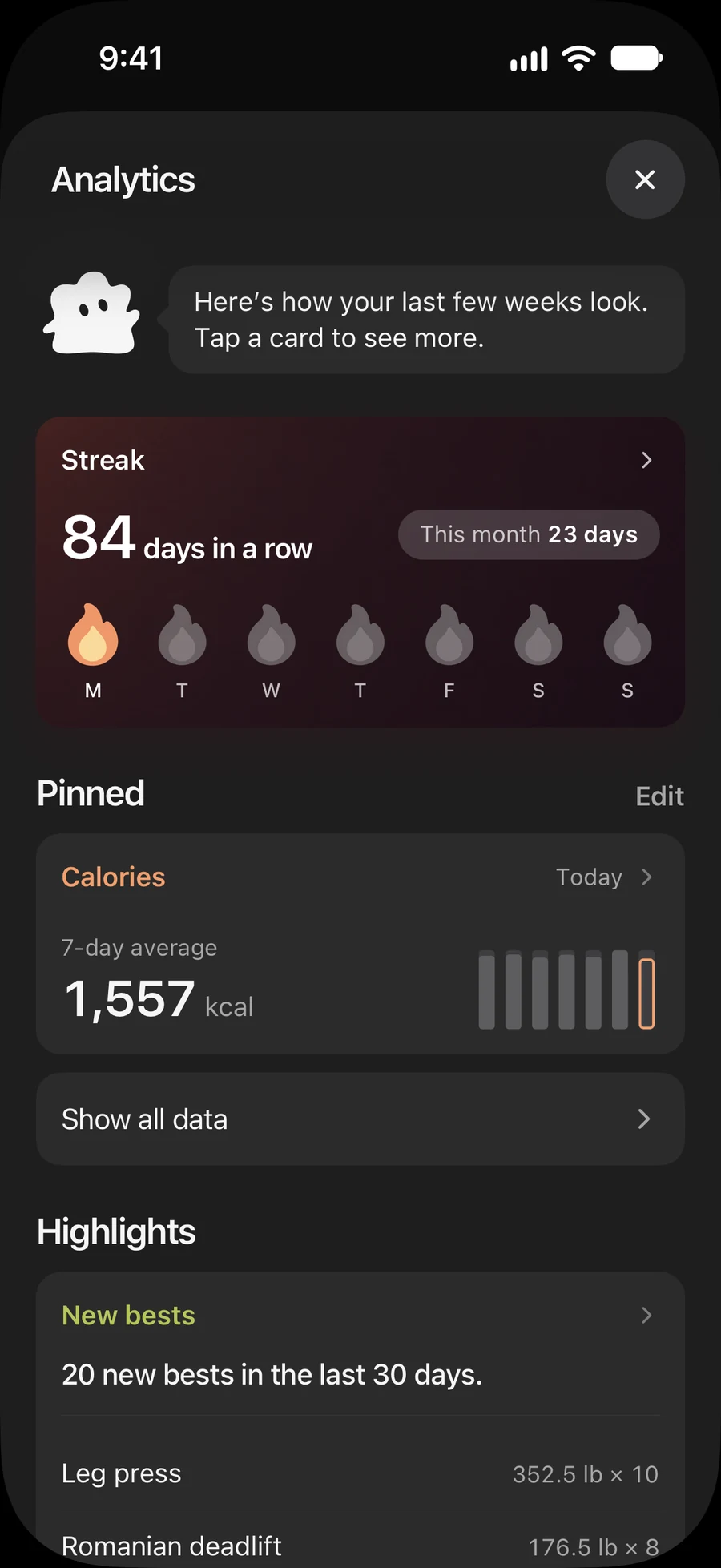
Your streak, new bests and averages over the last weeks, with a word from Splot on what stands out.
Get Splot on your iPhone
Scan with your camera.
Get Splot on Android
Scan with your camera.

Get more
out of Splot.


Questions?
What can I do with Splot in Claude?
Plan workouts and meals for the days ahead, start a workout and follow it set by set, log meals from a sentence or a photo, and ask about any session, meal or week. Splot answers with its own cards, and everything is saved to your journal.
Who estimates the calories?
Claude does. Splot has no AI of its own: it saves what Claude estimated, marked as an estimate, and you can change the meal afterwards.
Doesn’t Claude’s memory already remember my workouts?
Memory helps Claude keep context about you, not an exact record. Splot saves every set, meal and plan, so Claude can compare sessions and weeks, and you can check and correct the journal yourself.
Do I need the Splot app?
No. You can create your account while connecting Claude and use Splot entirely in chats. The app for iPhone and Android shows your journal at a glance, lets you log without a chat, and keeps your live workout on your phone.
Why a custom connector?
Splot isn’t in Claude’s connector directory yet. Until it is, you add it yourself with its address, once, and it works the same way.
Which Claude plans can connect Splot?
Free, Pro and Max. Free allows one custom connector. On Team and Enterprise plans, a workspace owner adds Splot first.
Does it work in the Claude app on my phone?
Yes. Connect Splot once, in the Claude app or on claude.ai, and it works in both.
What can Claude see?
Claude reads your journal only through Splot, when a conversation needs it. What it receives is kept under Anthropic’s terms and your Claude settings. You can disconnect it at any time, in Splot or in Claude. Privacy and control
Can ChatGPT or another assistant use the same journal?
Yes. ChatGPT and other assistants that support MCP can connect to the same journal, and every assistant reads and writes the same record. Splot for ChatGPT