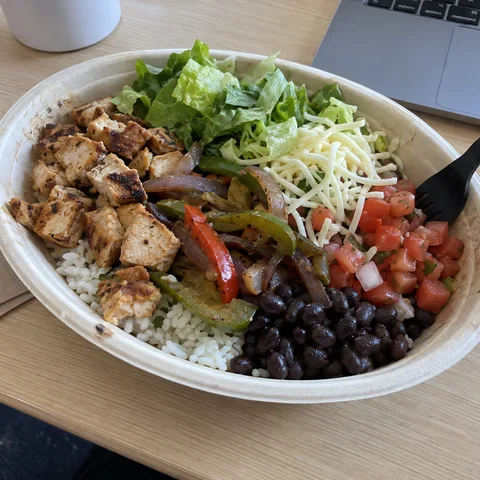
A photo is often the quickest way to log a meal, especially for something cooked or eaten out. The assistant you connect does the looking and the estimating. Splot keeps the result.
How it works
- Connect Splot to ChatGPT or Claude, if you haven’t yet.
- In a chat, attach a photo of your meal and say what it is: “Lunch, log this.”
- The assistant identifies the foods, estimates portions and works out the nutrition, then saves the meal to your journal.
The photo you attached is saved with the meal, so you can see it in your journal later. Splot has no AI of its own: it doesn’t analyse photos. The estimate is always your assistant’s, and it’s marked as one.
Get better estimates
A photo can’t show everything, so a few words help a lot:
- Say what you can’t see. Oil, butter, dressing and sugar in a drink are easy to miss.
- Give a sense of size. “A large plate”, “about 200 g of rice” or a fork in the shot all help.
- Say how much you ate. “I left about a third” is better than a photo of the full plate.
- Name the place or product. “A chicken burrito bowl from the place near work” gives the assistant more to go on than the photo alone.
Correct it afterwards
If the estimate looks off, just say so: “The rice was half that.” The assistant updates the meal in your journal. You can also open the meal in the Splot app and change its foods or portions yourself.
For other ways to log, plan and look back, see things to ask.