Think through food
with your assistant.
ChatGPT and Claude can plan meals, adapt recipes and set targets with you. These guides show how.
Review your eating with ChatGPT or Claude
Ask your assistant how your weeks really went, where the gaps are and what to change, answered from the meals in your own food journal.
Set targets for your goal with ChatGPT or Claude
Talk through your goal with your assistant, agree on daily calories, protein, carbs and fat, save them to your journal and adjust them as you learn.
Plan a week of meals around your targets
Ask ChatGPT or Claude to plan meals that fit your calories and macros, your tastes and your week, and keep the plan in your food journal.
Adapt a recipe to fit your macros
Save a recipe to your journal, then ask ChatGPT or Claude to add protein, cut calories or scale it, with nutrition worked out from the ingredients.
Hit your protein target with ChatGPT or Claude
Find where protein falls short in your own meals, and get practical swaps and plans that fit your tastes and the rest of your targets.
How to track calories with ChatGPT
Use ChatGPT as a calorie tracker that keeps a record. Install the Splot plugin once, then log, plan and review your meals just by asking.
How to track calories with Claude
Turn Claude into a calorie tracker with a memory for every meal. Add Splot as a connector, then log, plan and review food by asking.
Can ChatGPT or Claude remember what you eat?
Why an assistant's memory isn't a food log, what goes wrong when you track meals in a chat, and how to give ChatGPT or Claude a record that adds up.
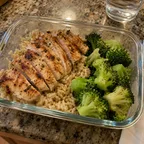
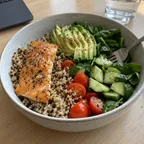
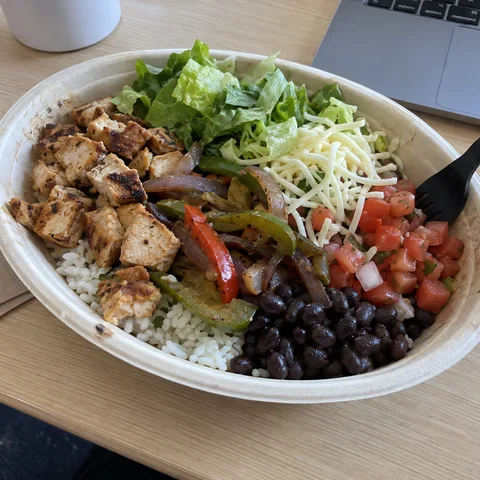
Log a meal from a photo with ChatGPT or Claude
Snap your plate and let ChatGPT or Claude estimate the meal and save it to your food journal, with tips for better estimates.




Ask ChatGPT about your food.
Connect Splot once, and every answer starts from your own meals and targets.
Add Splot to ChatGPT
Scan with your camera.
Ask Claude about your food.
Connect Splot once, and every answer starts from your own meals and targets.
Connect ClaudeSee how it works