Use this page
Getting started
Install Splot on iPhone or Android, sign in, and find your way around the app.
Splot is a food journal for iPhone and Android. You log what you eat and plan what you will, and your daily totals add up against your targets. A connected assistant such as ChatGPT or Claude can read and write the same journal.
Install and sign in
Section titled “Install and sign in”- Install Splot from the App Store or Google Play.
- Open it and sign in with Apple or Google.
Your account keeps your journal the same on every device, and it is also what you sign in with when you connect an assistant.
Find your way around
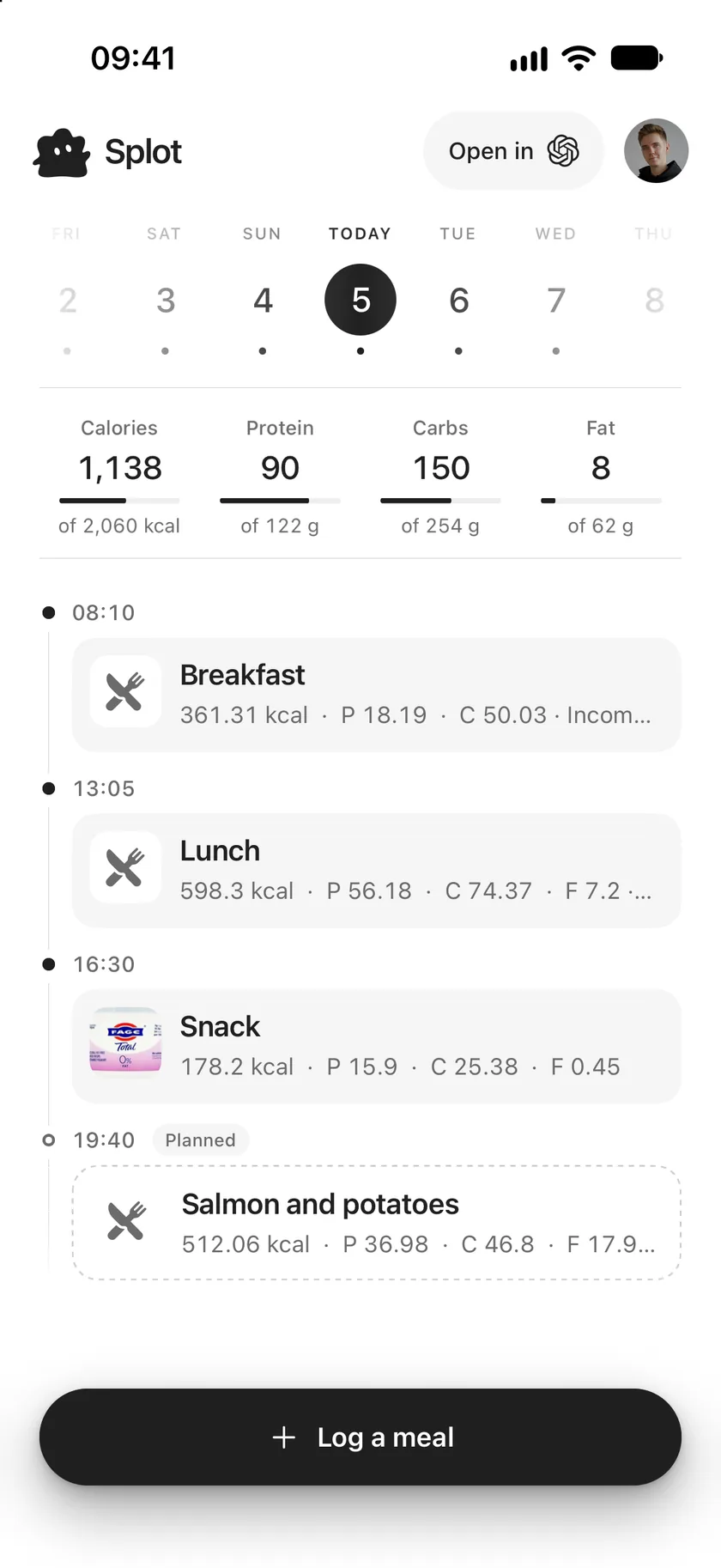
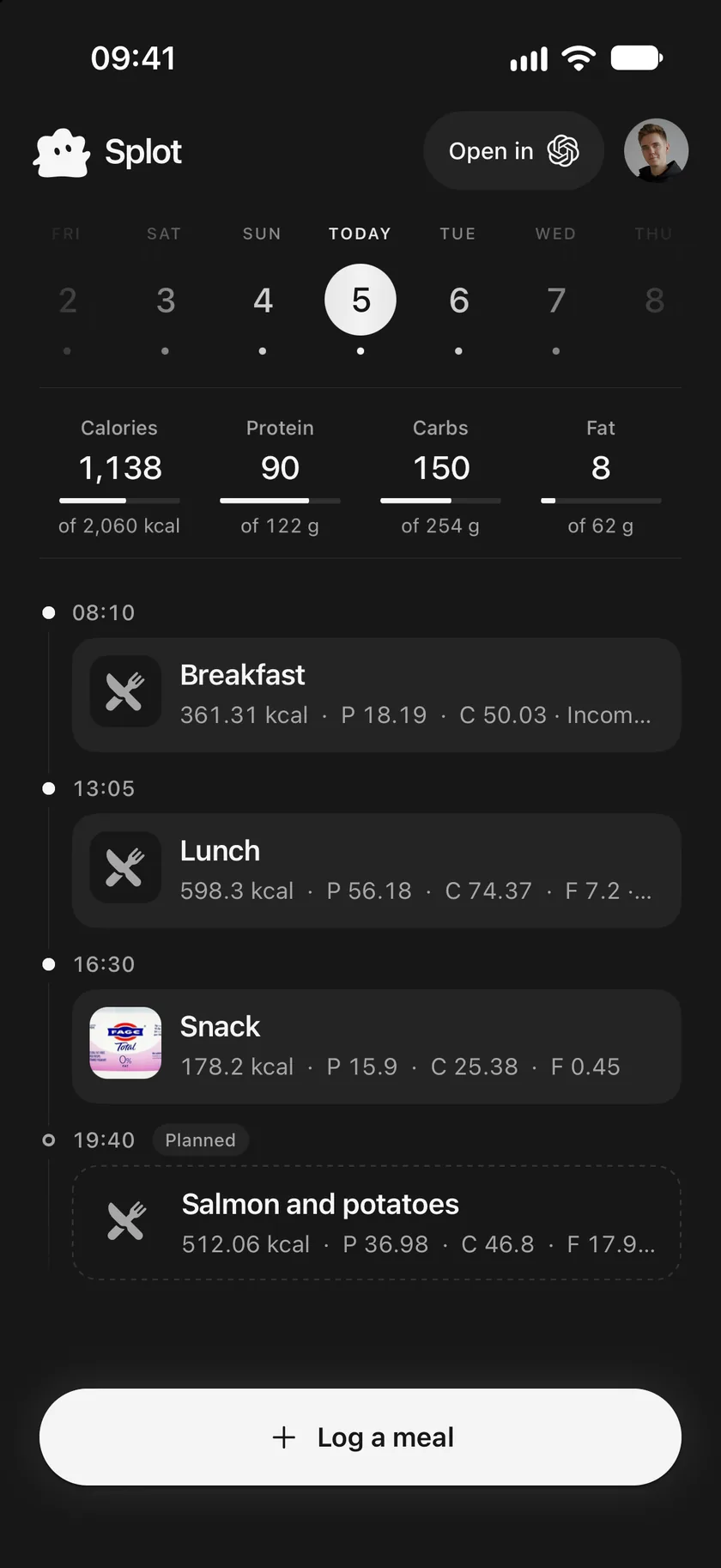
Section titled “Find your way around”Splot has one main screen, the journal, and a few sheets that open over it.
- The journal shows one day at a time: its totals and its meals in order. See Your journal.
- Log a meal, at the bottom, adds something you ate. On a day ahead it reads Add a plan. See Log a meal.
- A meal: tap it to see, change, mark or delete it. See Change or delete a meal.
- Your picture, top right, opens You: targets, body, assistants, account and display. See Your profile and settings.
- Open in, at the top, opens your connected assistant, ready to log or plan by asking.
Good to know
Section titled “Good to know”- Splot keeps meals, your own foods and recipes, and your daily calorie and macro targets.
- Splot has no AI of its own. It doesn’t estimate meals from photos or give advice; a connected assistant does that and saves the result to your journal.
- Targets are a journal setting, not medical advice. Splot is for adults 18 and older.
Use this page
Last updated