Use this page
Daily targets
Set your daily calories, protein, carbs and fat, for every day from now or just for some days.
Targets are what each day’s totals are measured against: calories, protein, carbs and fat.
Change your targets
Section titled “Change your targets”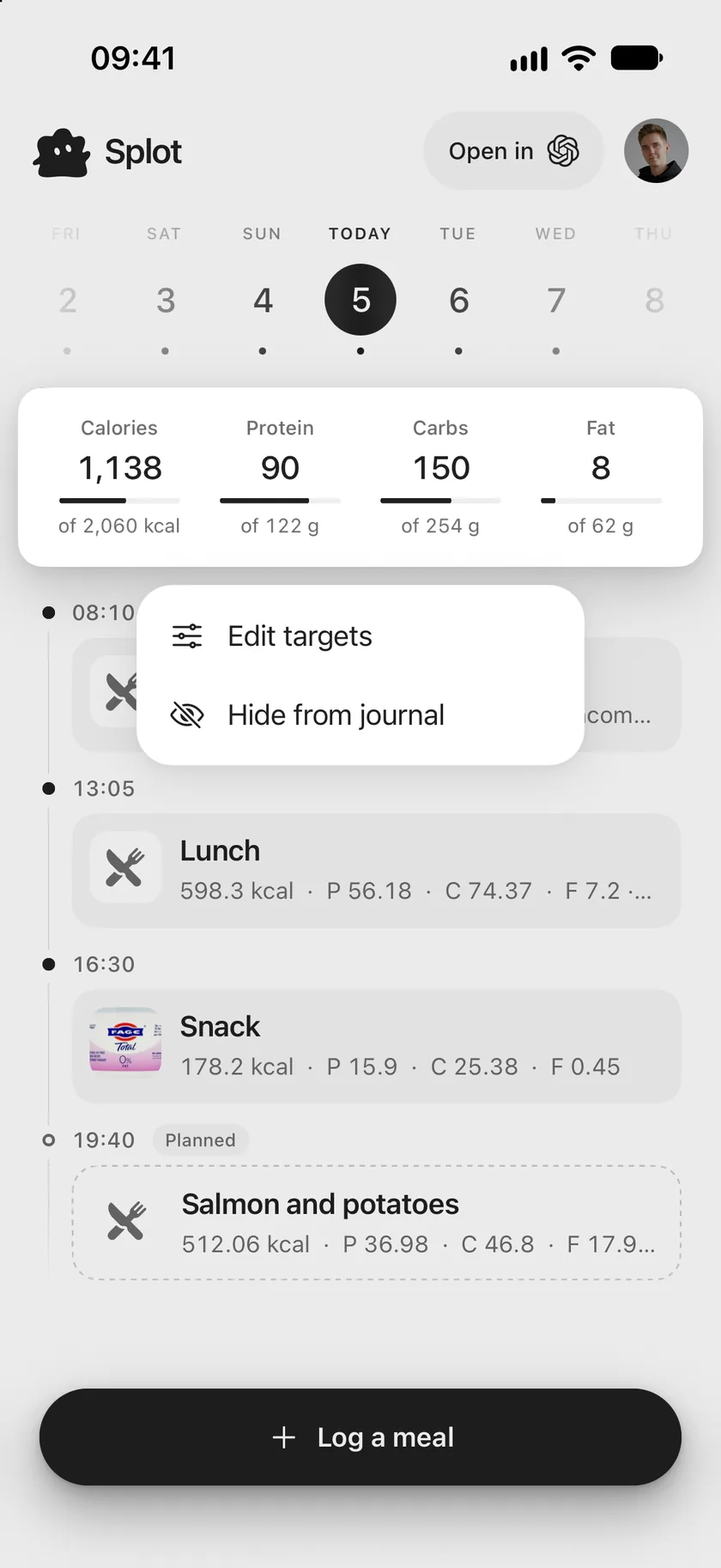
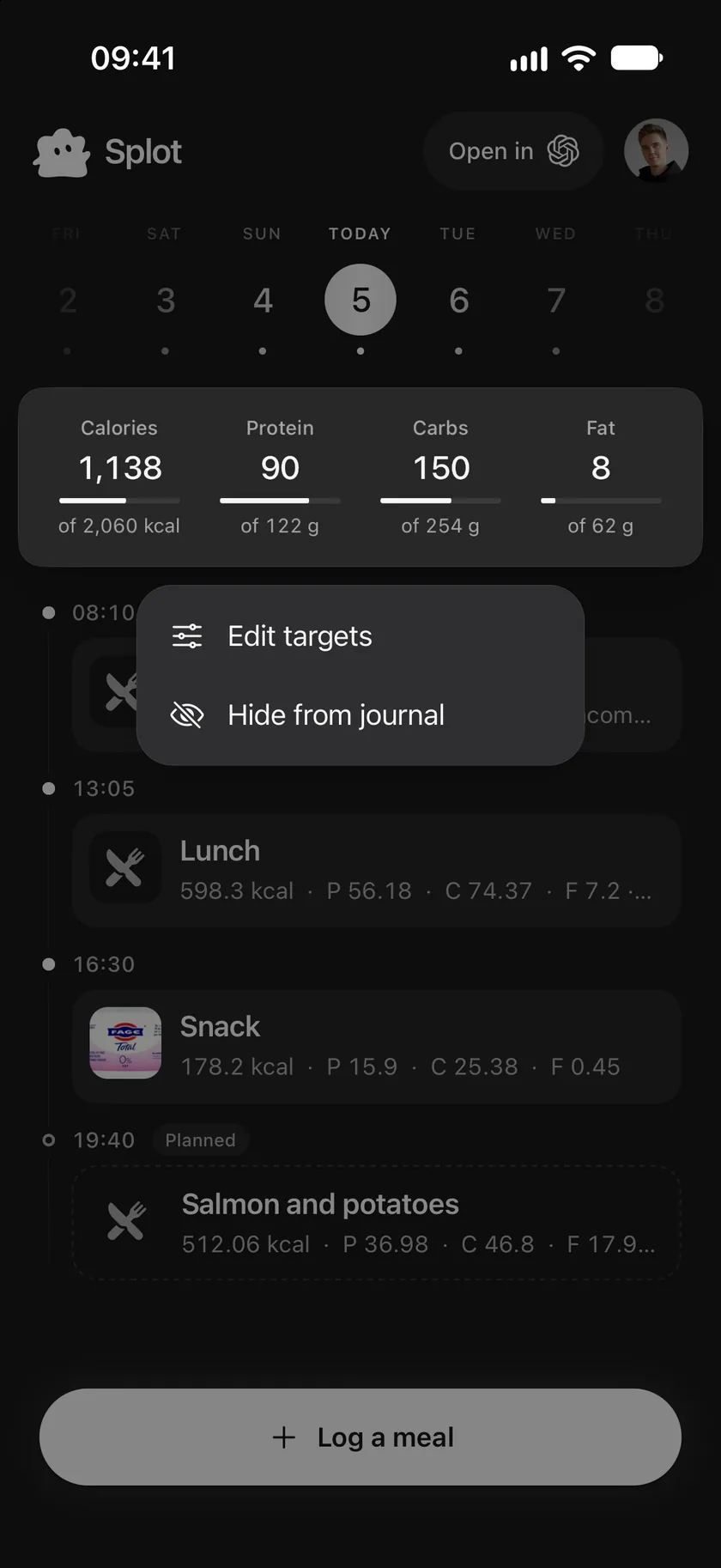
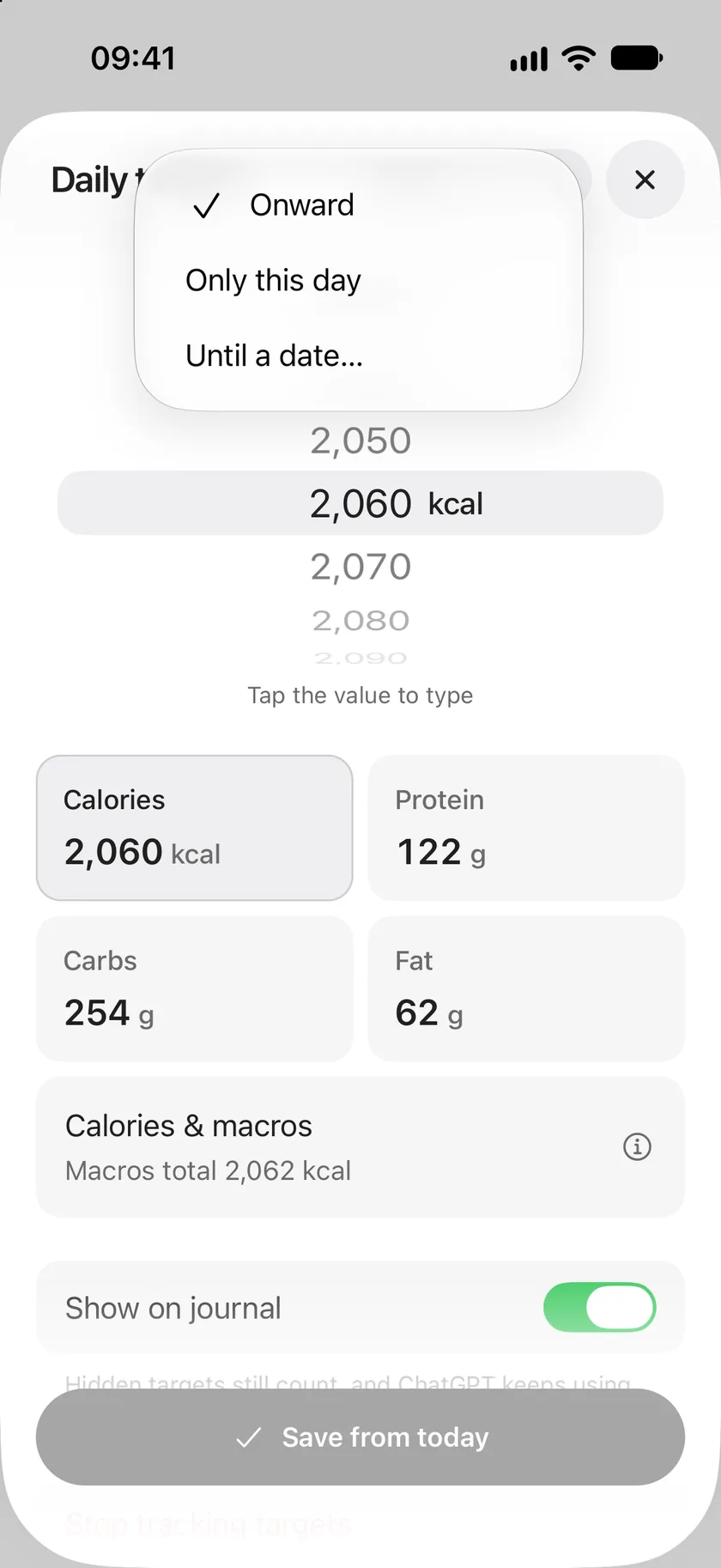
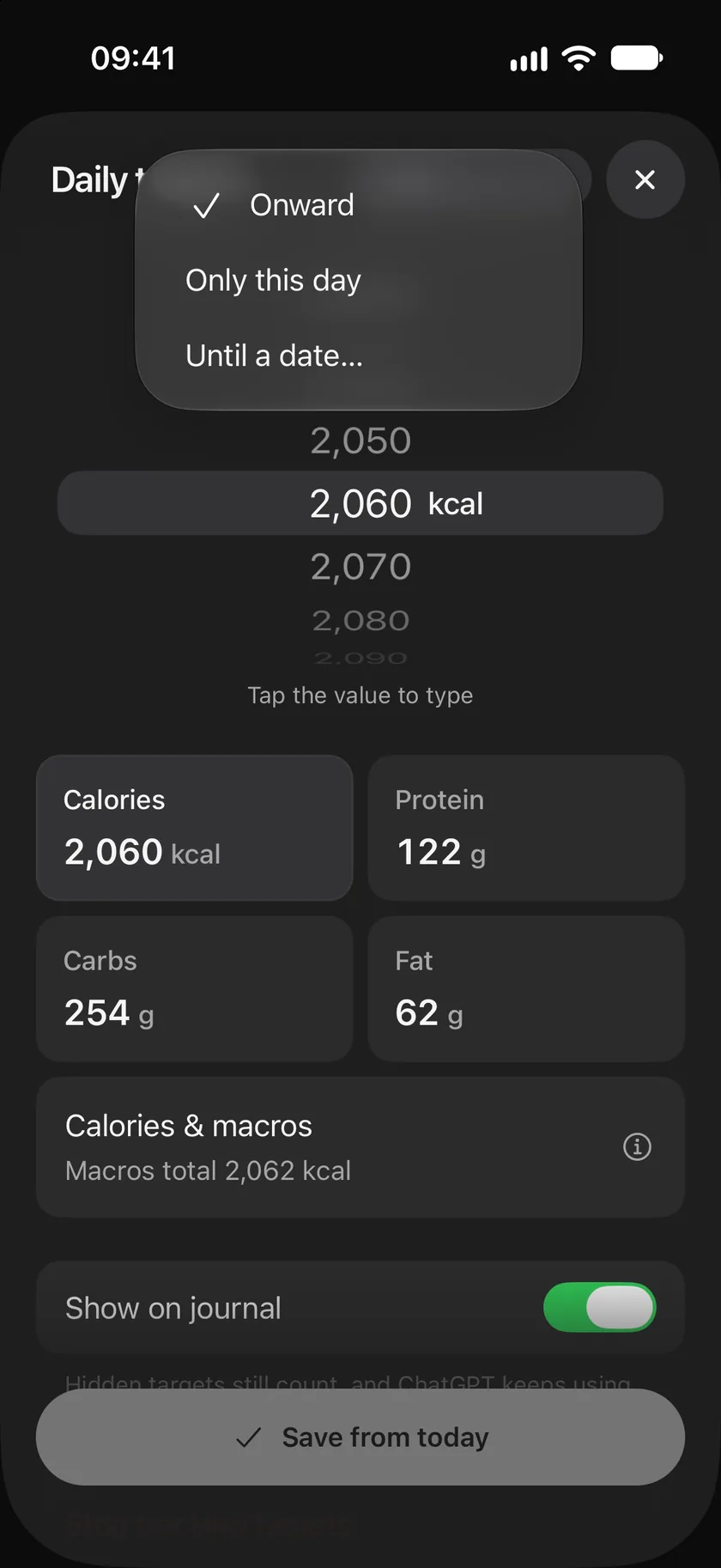
- Touch and hold the totals at the top of the journal and tap Edit targets. You can also open You and tap Daily targets.
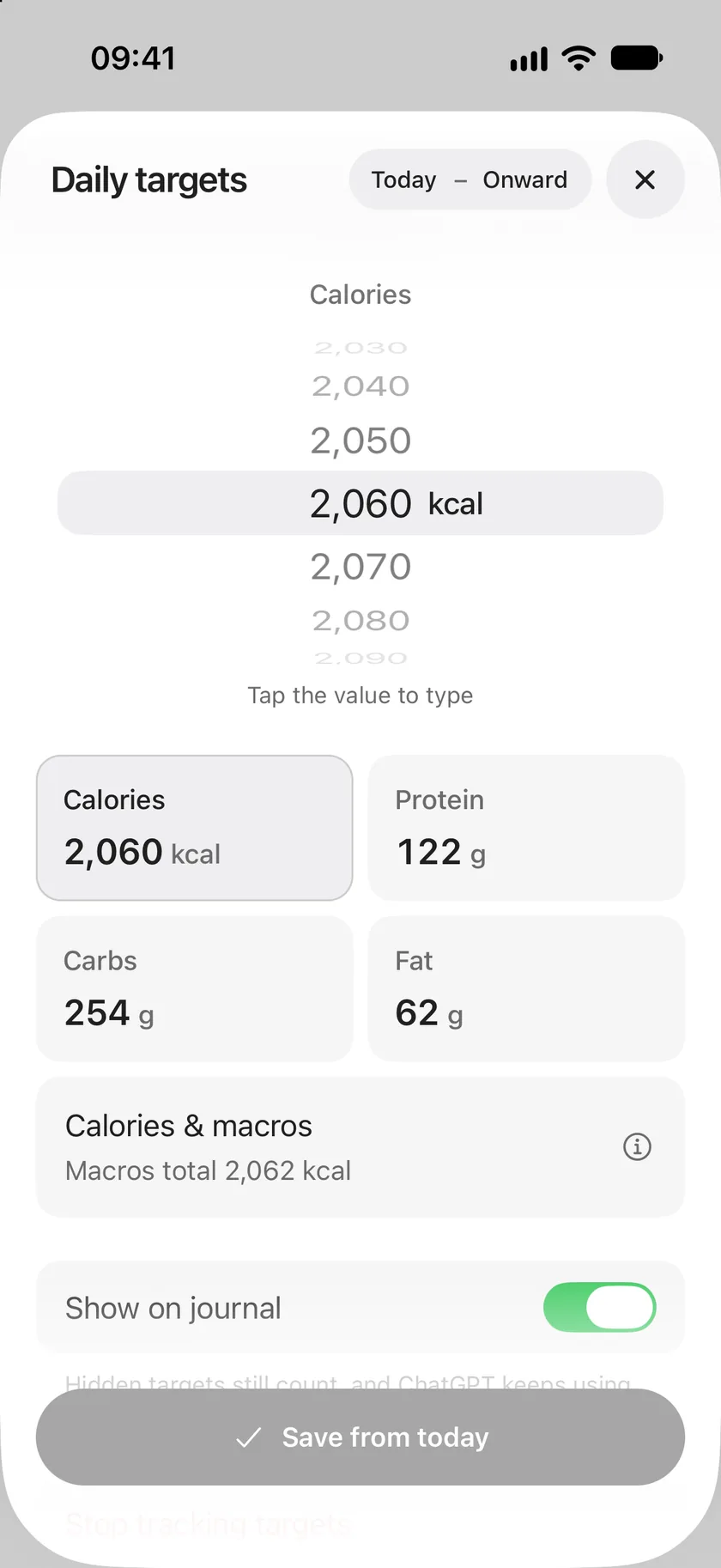
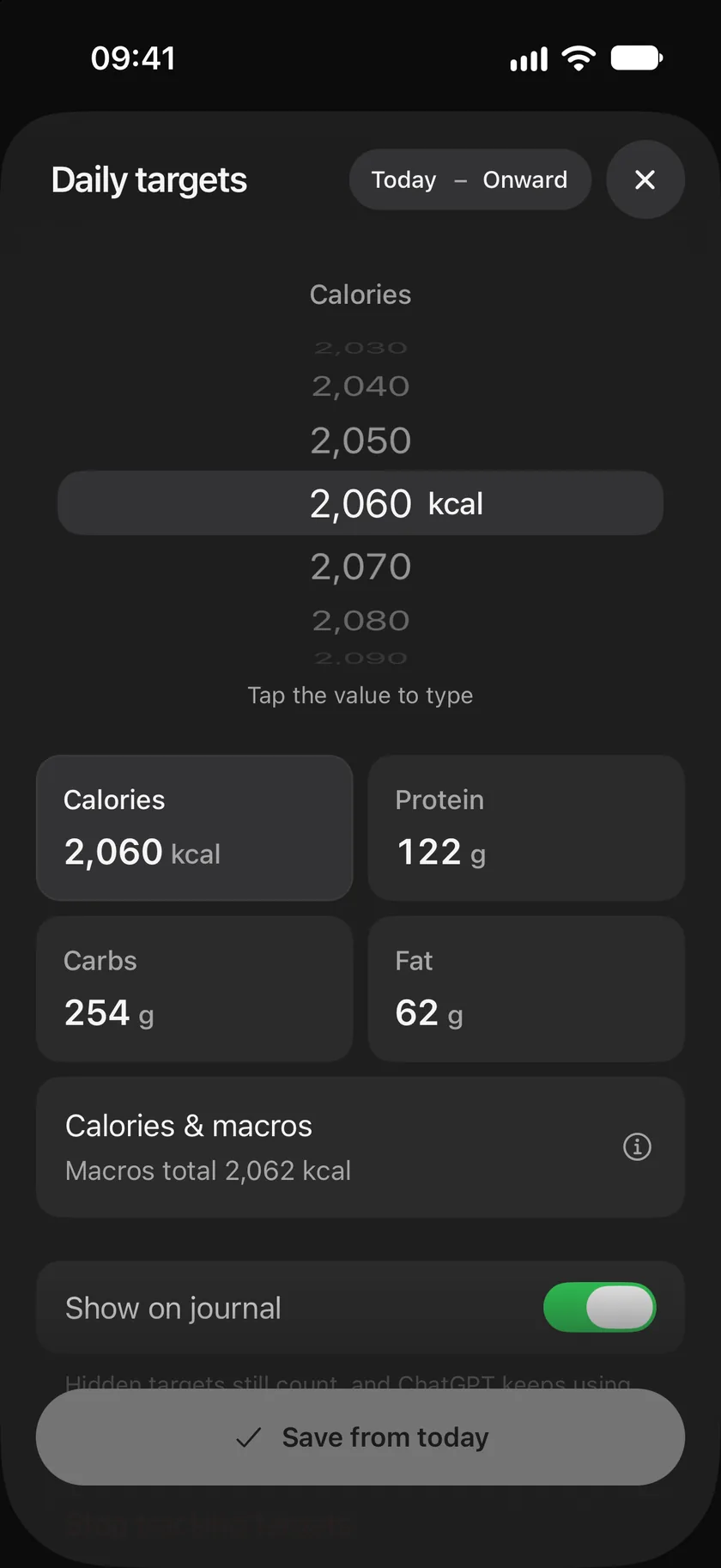
- Tap a target, then turn the wheel to change it, or tap the number to type it.
- Tap Save from today.
Choose which days
Section titled “Choose which days”The range at the top says which days a change covers. Tap its end to choose:
- Onward: from the selected day on, until you change them again.
- Only this day: a one-off, such as a long hike or a celebration.
- Until a date…: for a stretch of days, such as a holiday.
Earlier days always keep the targets they had, so past days are judged by their own targets.
Keep calories and macros together
Section titled “Keep calories and macros together”Calories & macros shows what your macros add up to. Protein and carbs count 4 kcal a gram and fat 9 kcal a gram. When the two don’t match, Splot offers to set your calories to match your macros, or to share your calories into a balanced split.
Show, hide or stop
Section titled “Show, hide or stop”- Show on journal turns the totals bars on or off. Hidden targets still apply, and connected assistants keep using them.
- Stop tracking targets ends targets from the selected day, for a journal without numbers.
From your body details
Section titled “From your body details”Open You and tap Body to update your weight, height, age, sex or activity, then tap Save changes. When the new details suggest different targets from today’s, Splot asks Update your targets?: choose Use new targets to apply them from today, or Keep current targets. Your body details are saved either way, and are only used to work out targets.
Good to know
Section titled “Good to know”- Targets are a journal setting, not medical advice. Splot is for adults 18 and older.
- A connected assistant can read your targets to plan meals around them, and change them when you ask.
Use this page
Last updated