Use this page
Your journal
Move between days, open the month calendar, and read the day's totals and meals.
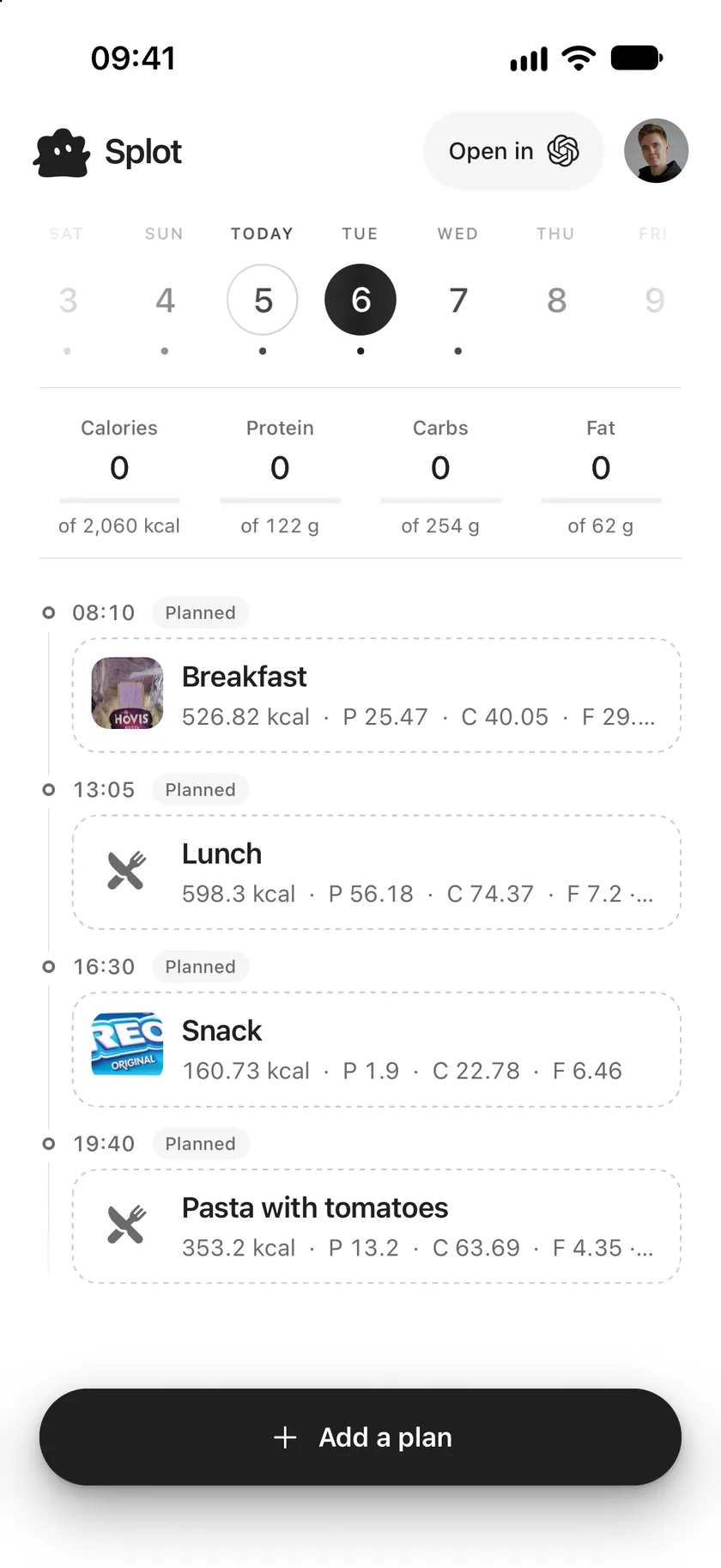
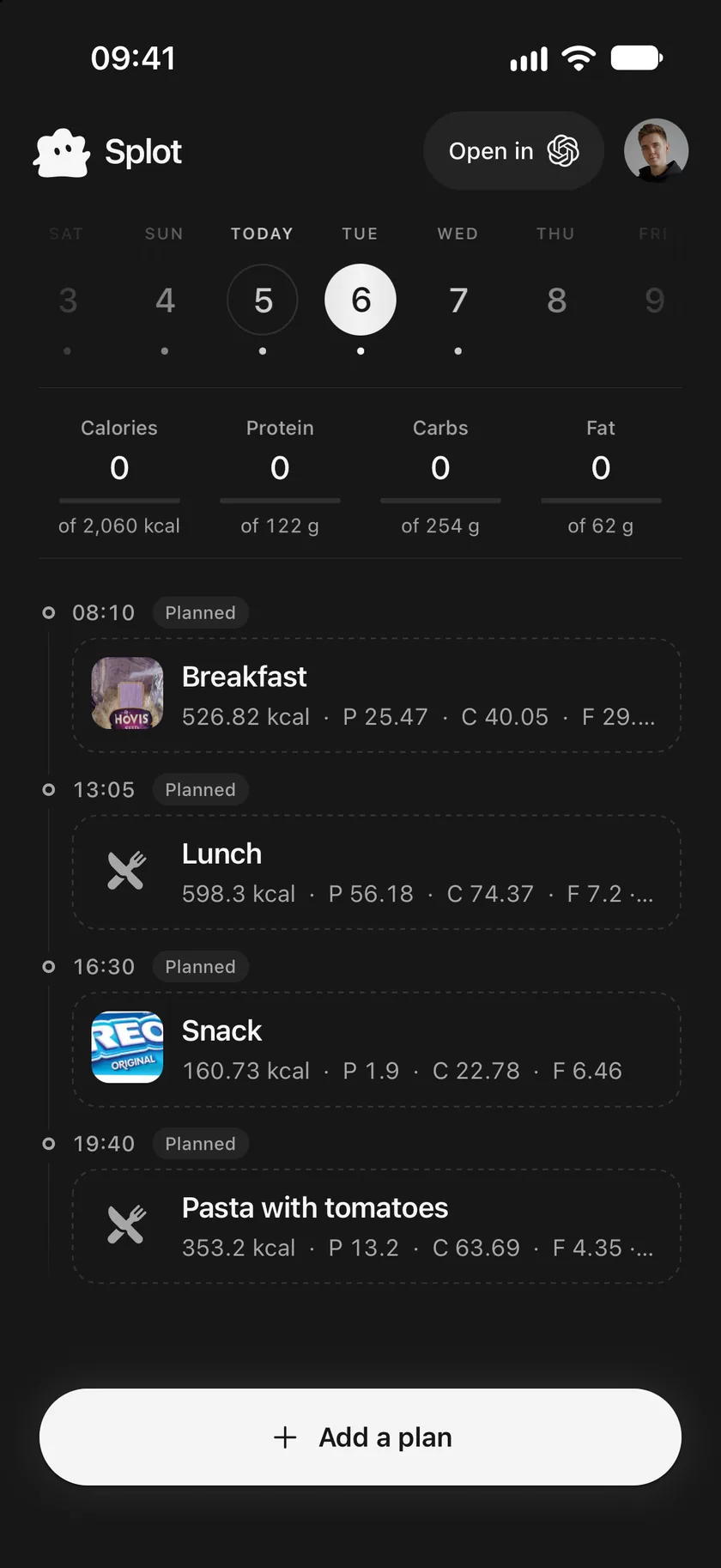
The journal is the screen Splot opens on. It shows one day: the totals for what you ate, and the day’s meals in the order you had them.
Move between days
Section titled “Move between days”The week strip at the top shows the days around the one you’re looking at. Today is labelled, and a dot under a day means it has meals.
- Tap a day in the strip to open it.
- Swipe the journal left or right for the next or previous day.
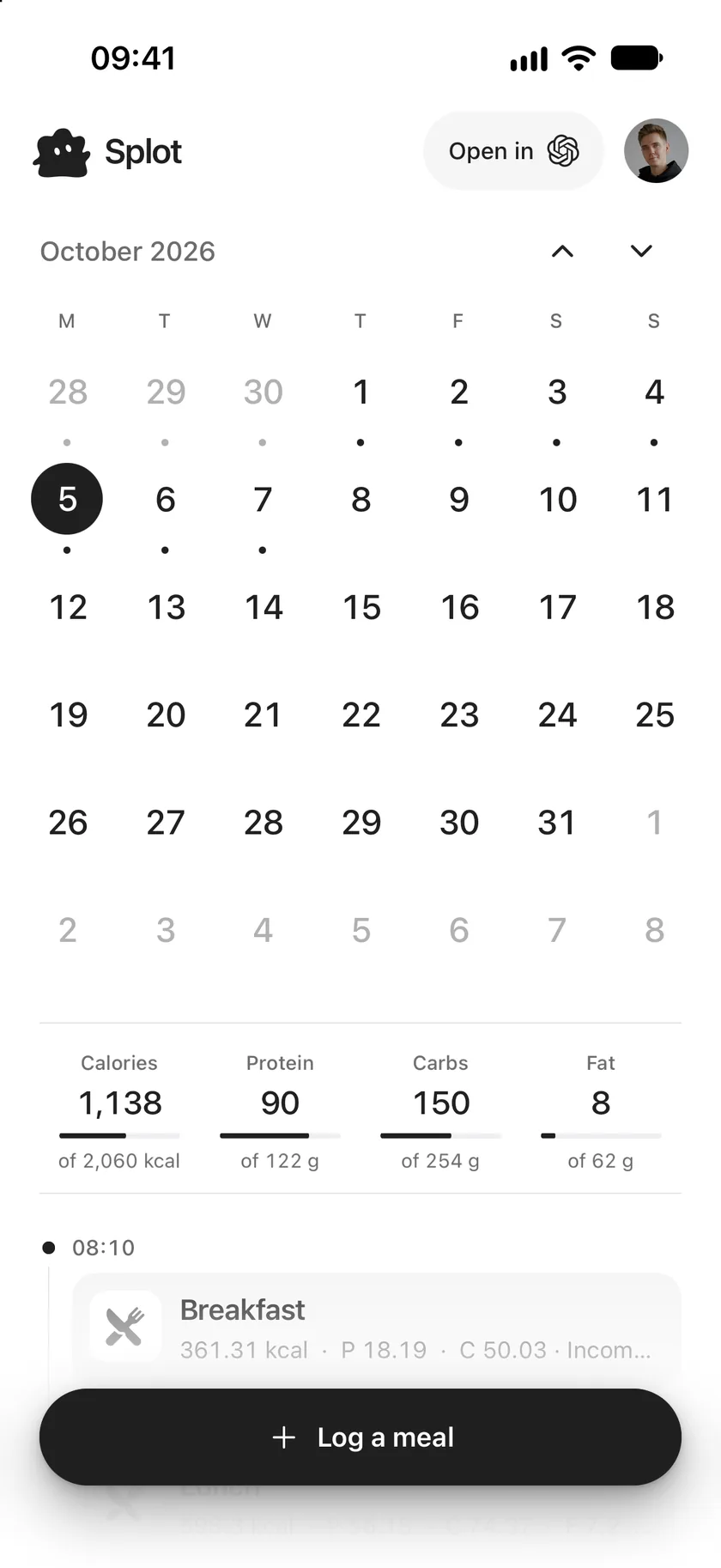
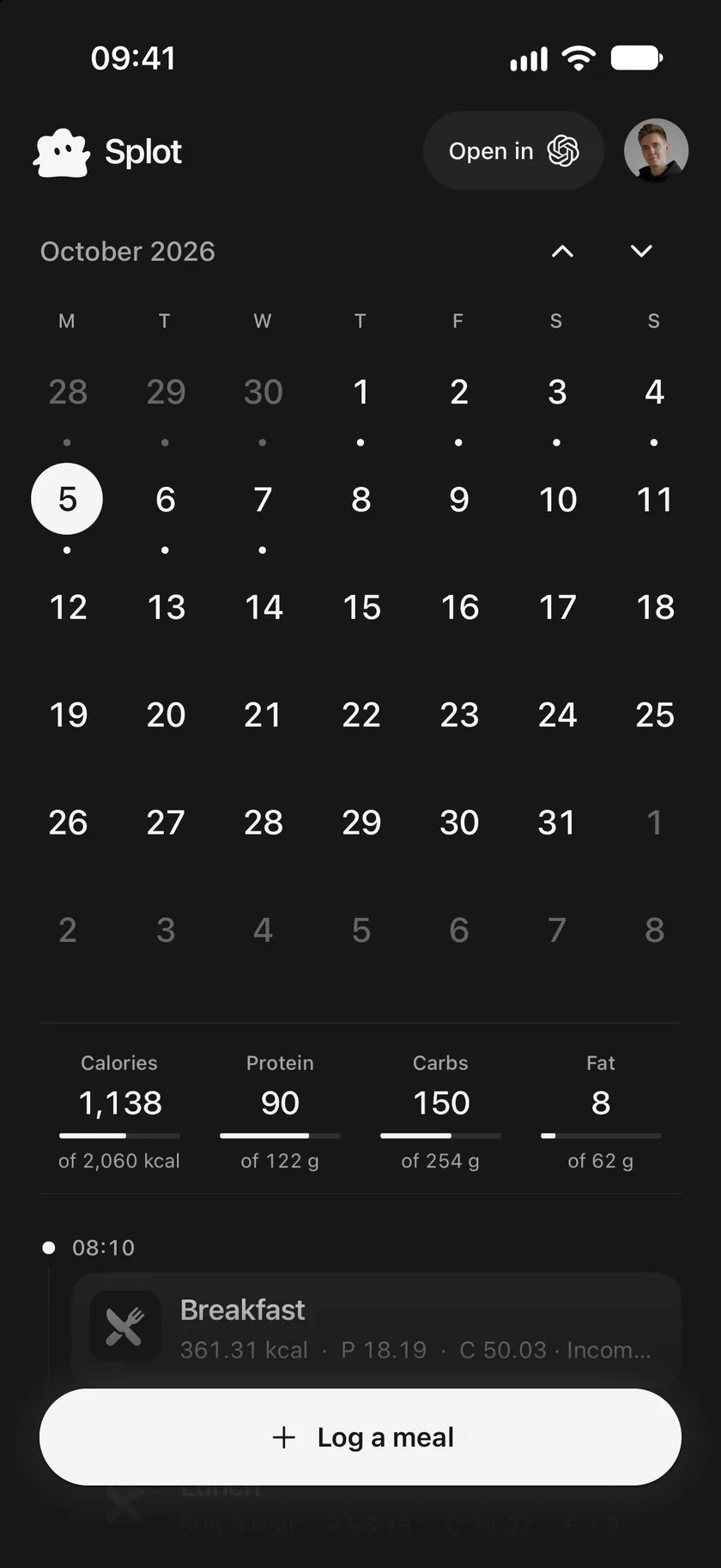
- Tap the selected day to open the whole month. Use the arrows to change month, and tap a day to open it and close the calendar.
The day’s totals
Section titled “The day’s totals”Under the week strip are Calories, Protein, Carbs and Fat, each against its daily target with a bar that fills as you go.
- Only meals you ate count. Planned meals count once you mark them as eaten.
- When a food doesn’t list a nutrient, the total counts what is known, so it may be lower than what you really had.
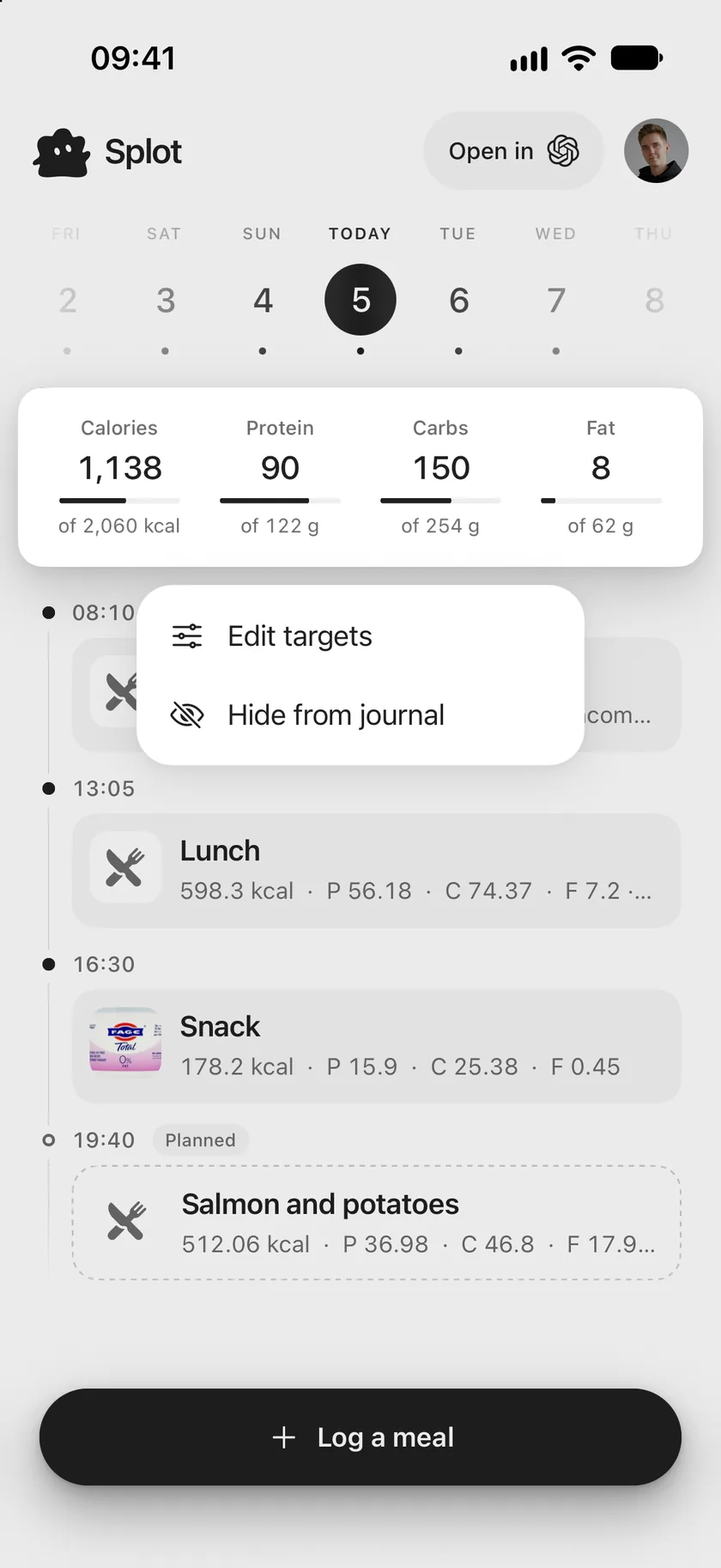
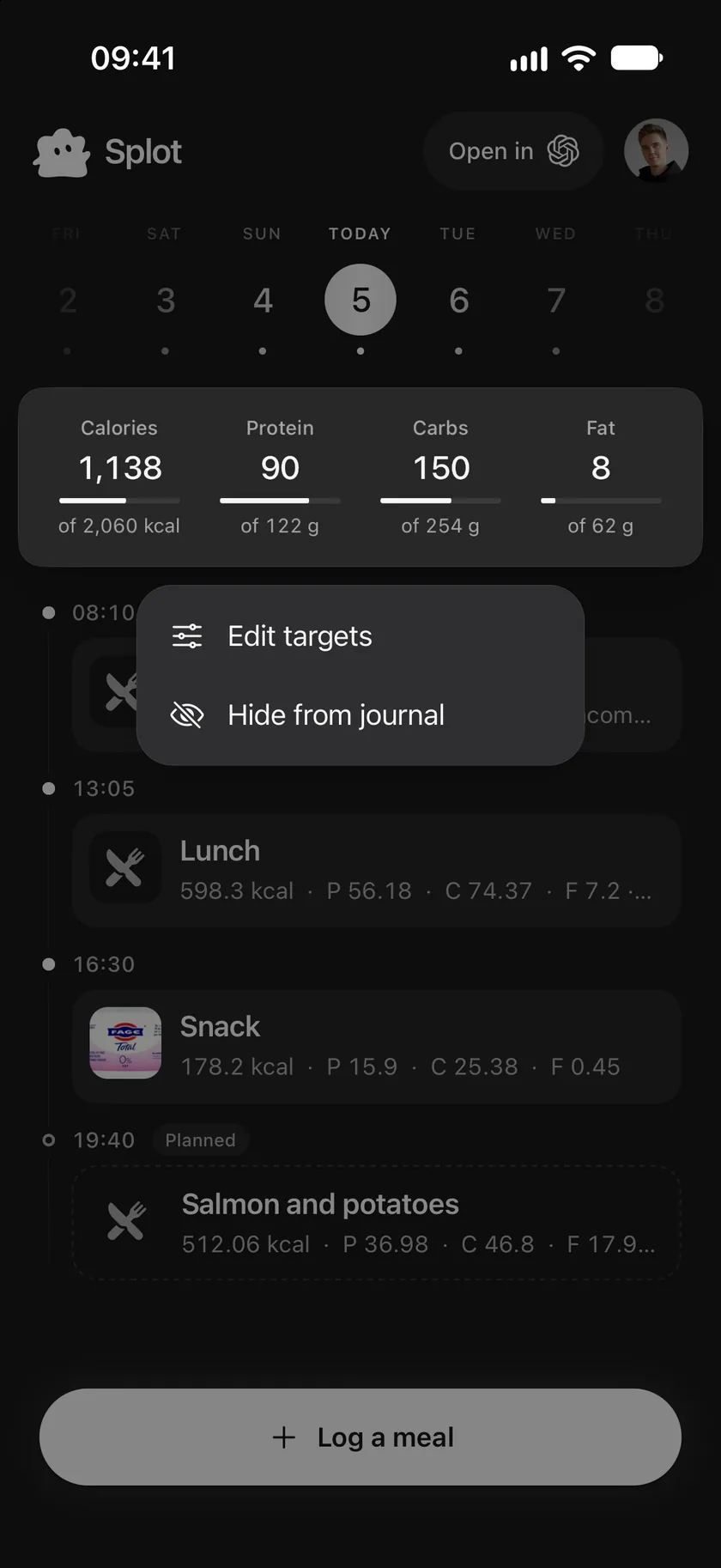
- Touch and hold the totals for Edit targets and Hide from journal.
The day’s meals
Section titled “The day’s meals”Each meal shows its time, its name and a short summary: calories, then protein (P), carbs (C) and fat (F).
- Planned meals have a dashed outline and a Planned label.
- Incomplete means a food in the meal is missing some nutrition facts.
- A ≈ before the calories means part of the meal is an estimate.
- Tap a meal to open it, or touch and hold it for quick actions. See Change or delete a meal.
Keeping in sync
Section titled “Keeping in sync”Pull the journal down to refresh it. Meals added by a connected assistant or another device appear there too. At the bottom of the screen, Splot says what is happening:
- Syncing while changes are saved.
- No internet connection or Couldn’t sync your journal, with Retry, when a change couldn’t be saved.
- Meal deleted, Meal updated, Marked as eaten or Marked as not eaten, with Undo, right after a change.
Use this page
Last updated