Use this page
Log a meal
Add what you ate from your recent foods, a search, a barcode or one of your own foods and recipes.
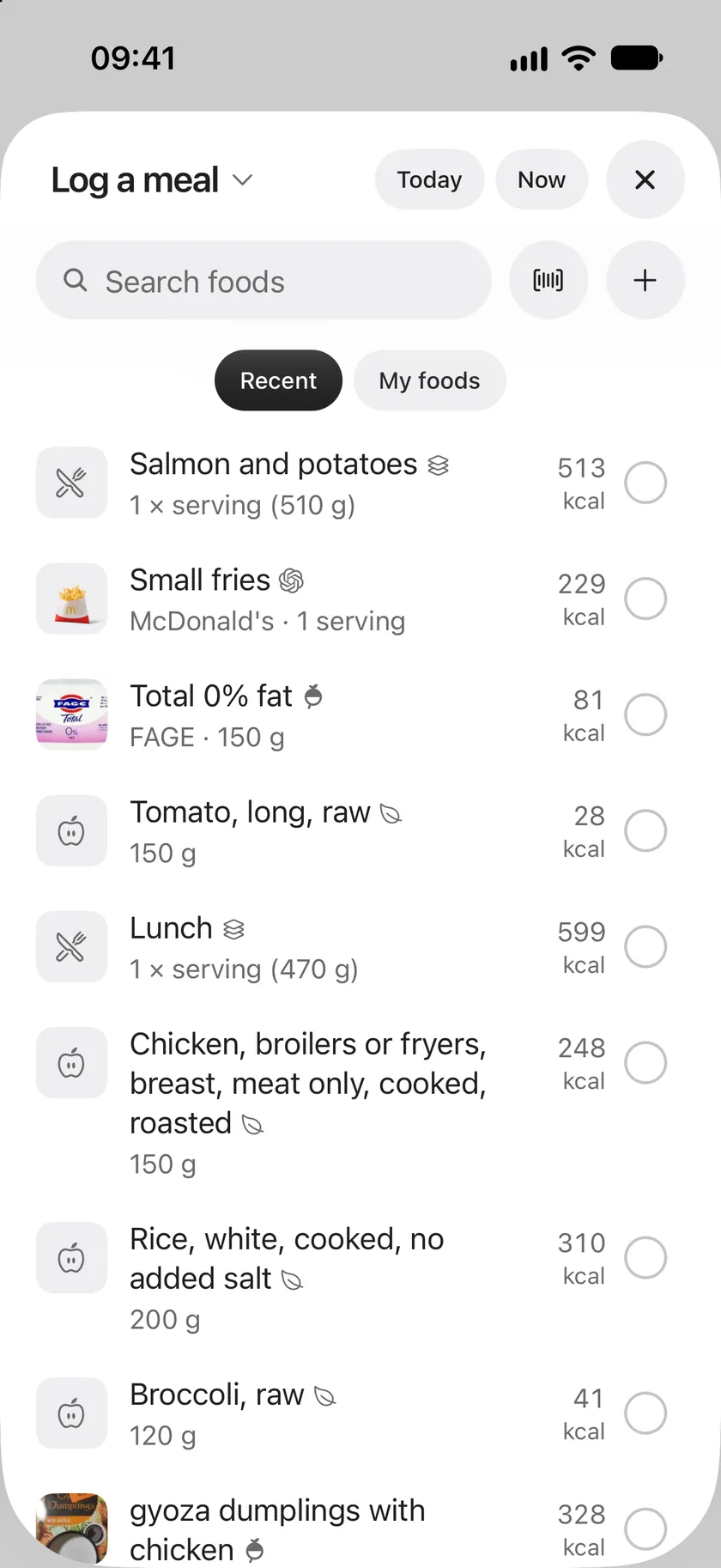
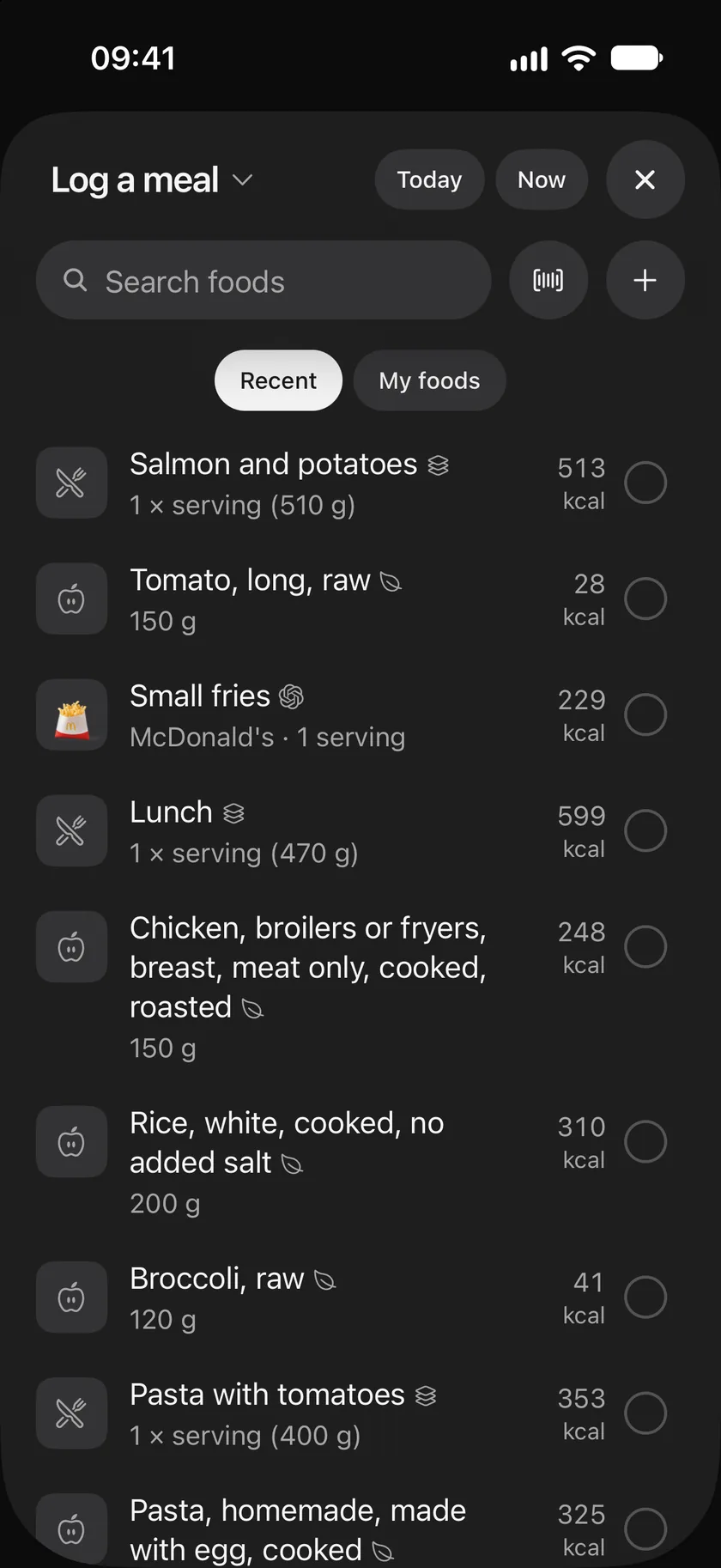
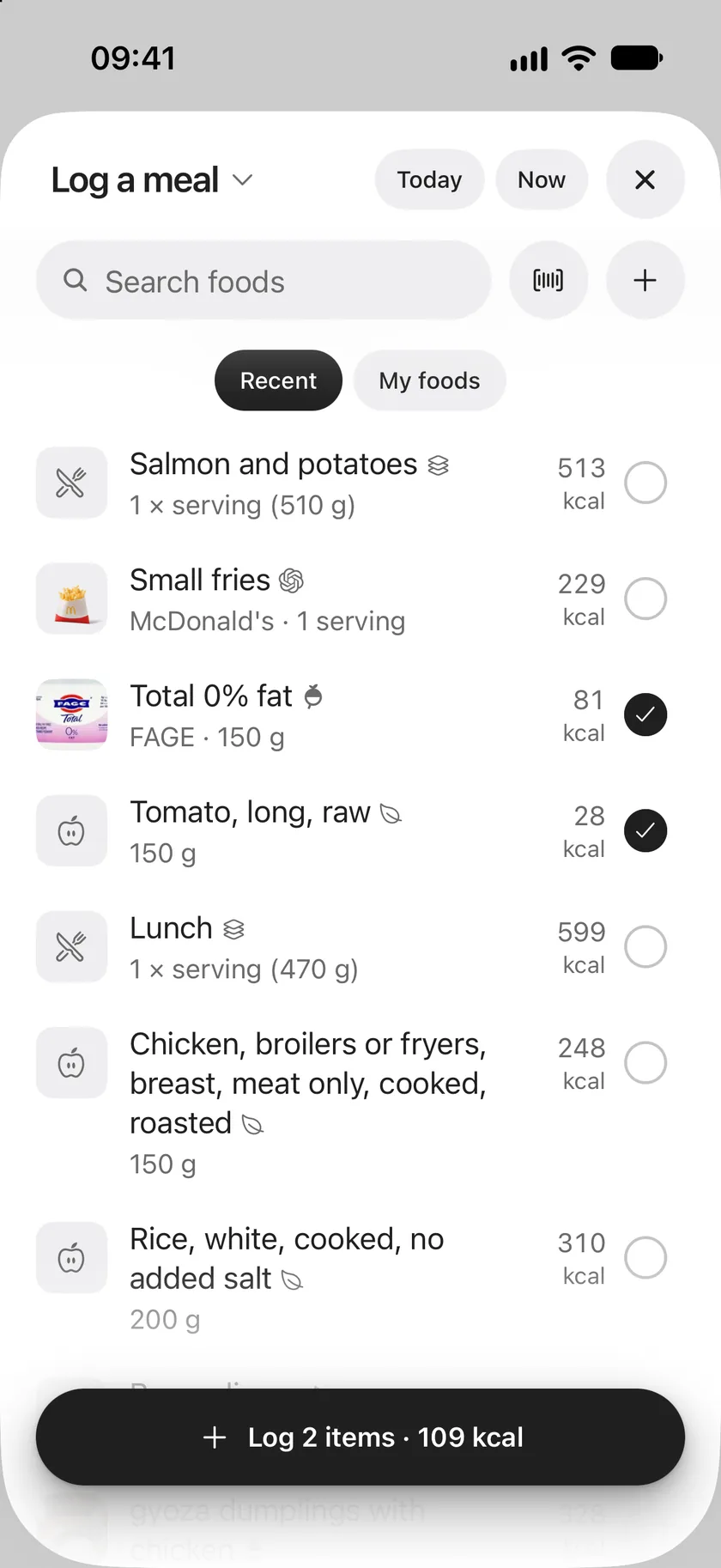
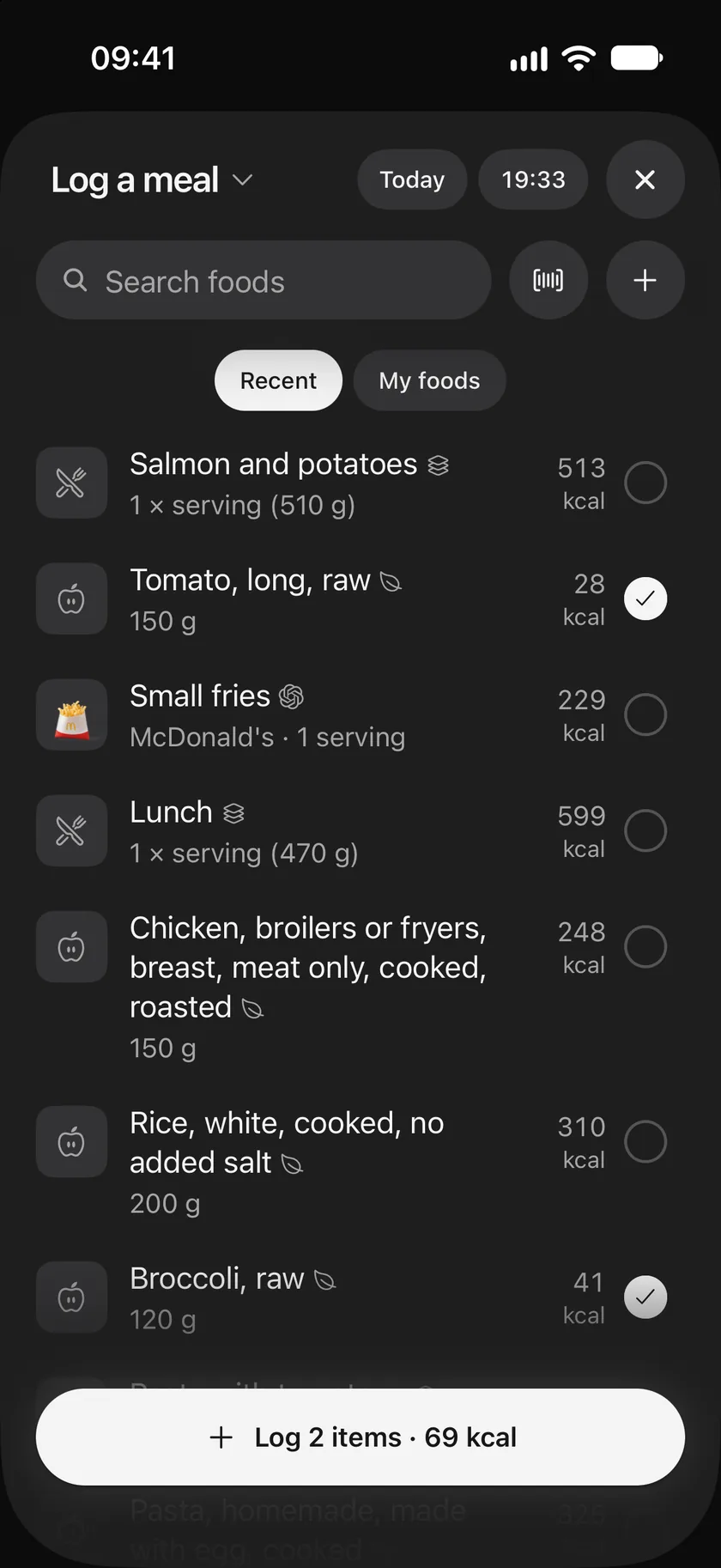
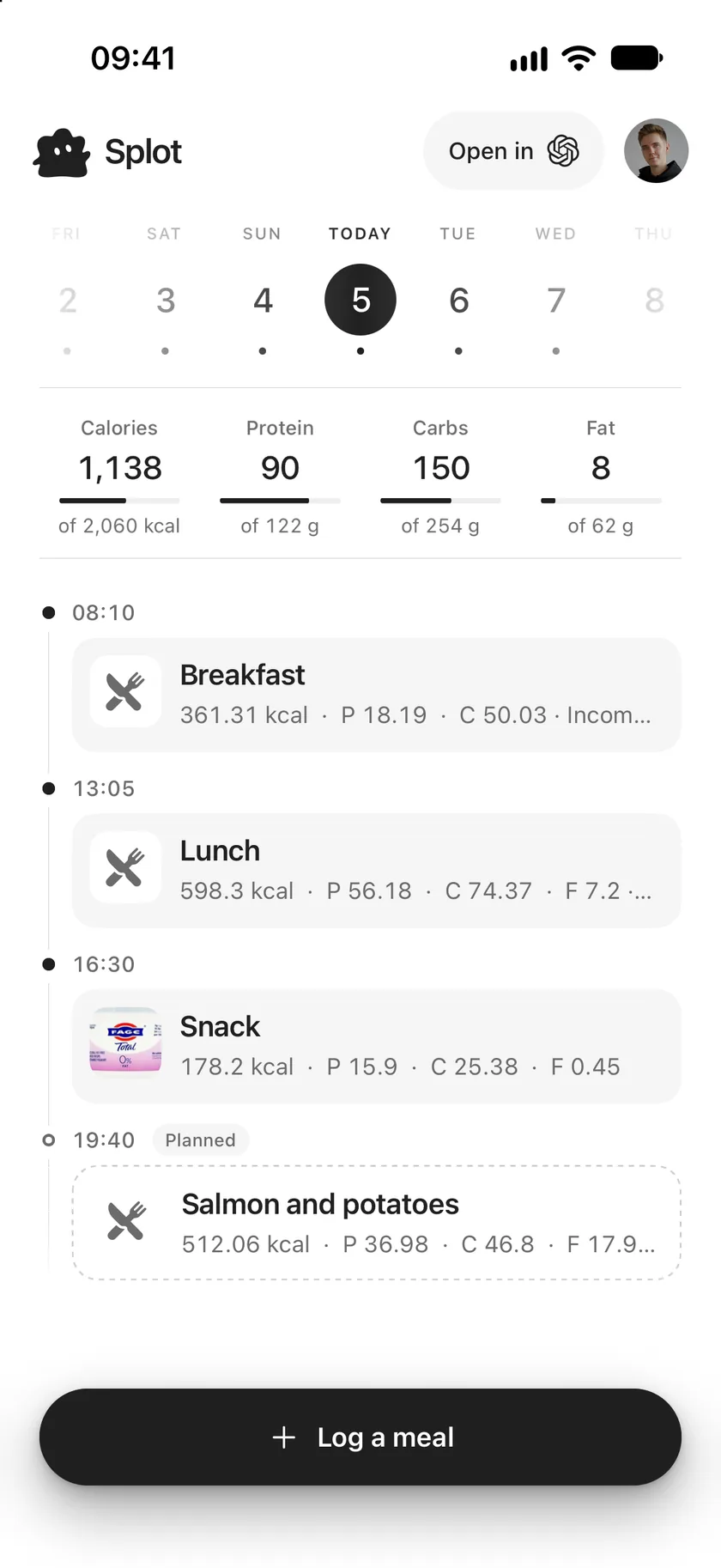
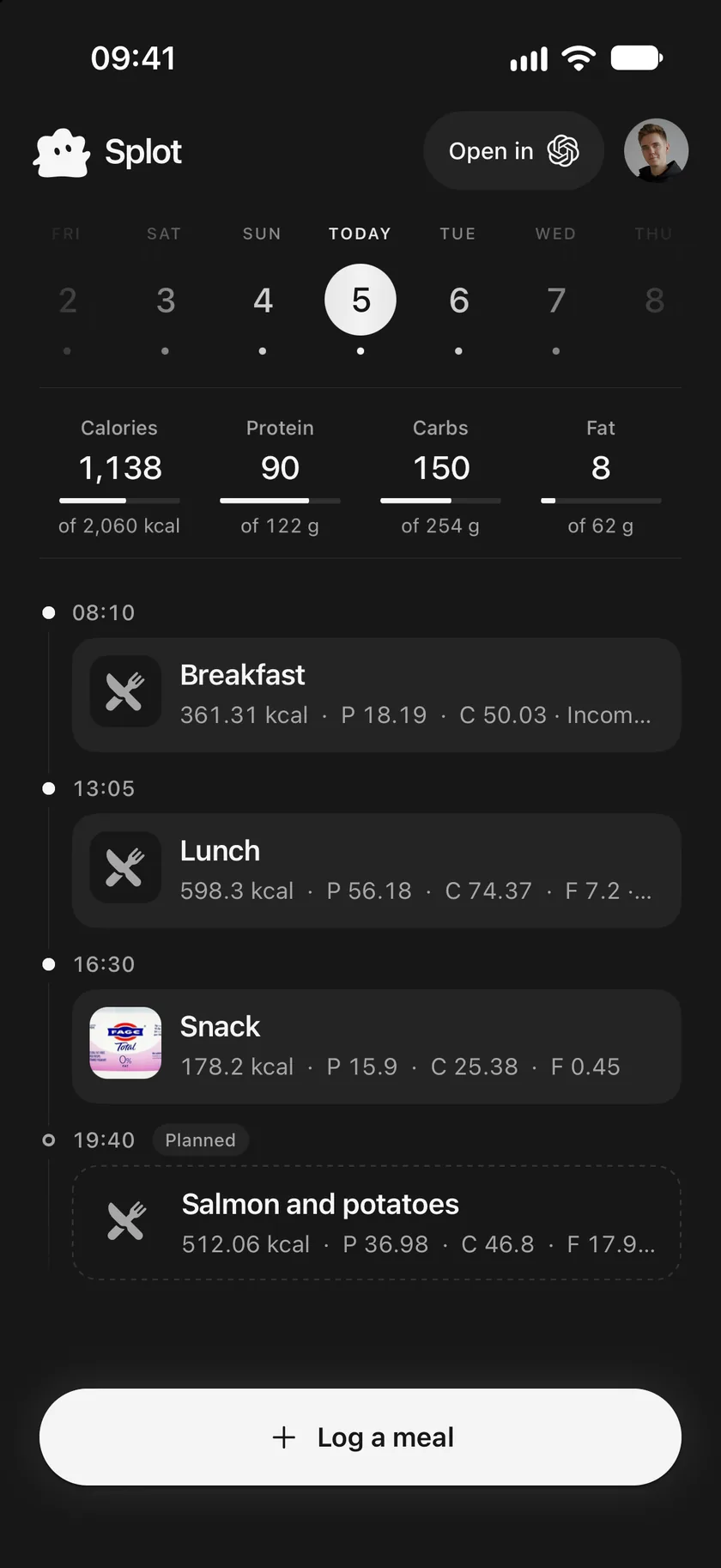
Add what you ate
Section titled “Add what you ate”- Tap Log a meal at the bottom of the journal.
- Find each food: in Recent, in My foods, by searching, or by scanning its barcode.
- Tap the circle beside a food to add it at its usual portion, or tap the food itself to choose the portion first.
- Check Today and Now at the top, and tap either to change the day or the time.
- Tap Log, which shows how many items you chose and their calories, such as Log 2 items · 109 kcal.
Recent and My foods
Section titled “Recent and My foods”Recent lists what you eat most, weighted towards this time of day, so the foods you’re likely to want come first. A meal you have eaten the same way more than once appears as one choice, such as Lunch, so you can log it again in one tap. When a meal is planned for around now, it is offered first.
My foods lists the foods and recipes you made or changed. See Your foods and recipes.
Search
Section titled “Search”Type a name, a brand or a whole barcode in Search foods. Results come from:
| Source | What’s in it |
|---|---|
| My foods | Your own foods and recipes. |
| Common foods | Generic ingredients such as eggs, rice or broccoli. |
| Splot database | Packaged products added to Splot. |
| Open Food Facts | Packaged products from the open product database, by name, brand or barcode. |
If nothing fits, tap + to make a new food.
Choose the portion
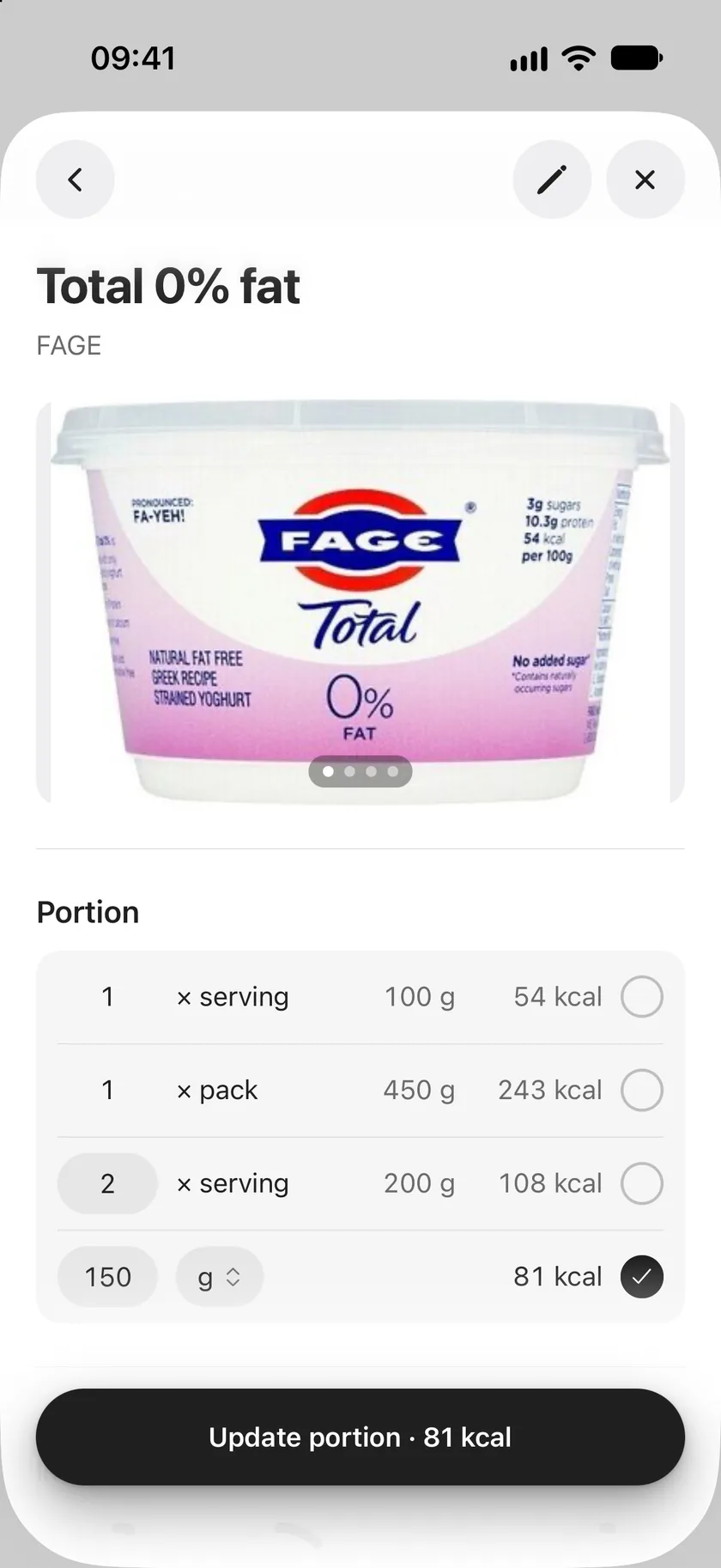
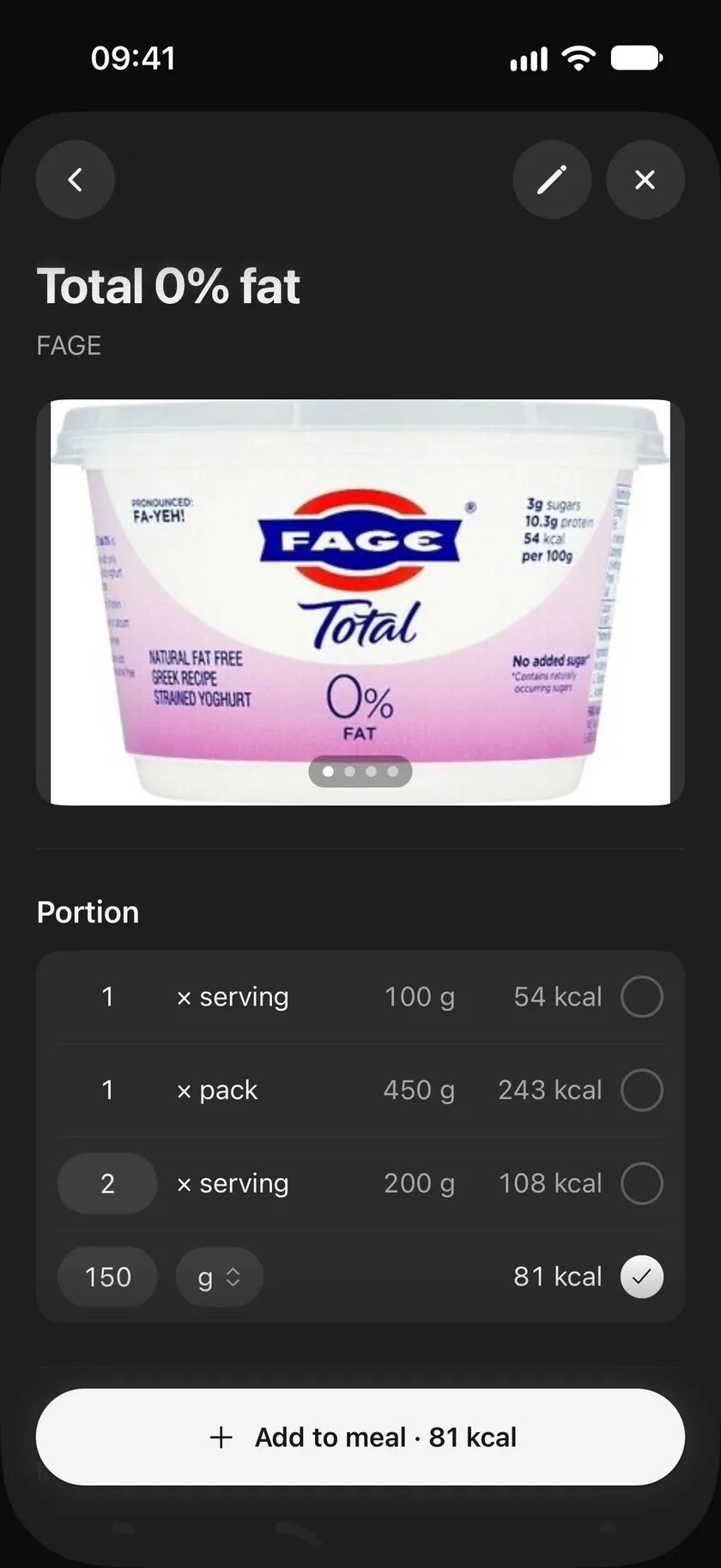
Section titled “Choose the portion”Tap a food to open it. Under Portion, choose one of its servings, such as 1 × serving or 1 × pack, or type an amount and pick its unit: grams, millilitres, servings, or the food’s own measures, such as a slice. The calories update as you go.
Tap Add to meal to add it, or Update portion if it was already chosen.
Scan a barcode
Section titled “Scan a barcode”- Tap the barcode button beside Search foods.
- Hold the barcode inside the frame.
- When Splot finds the product, choose the portion and add it.
If Splot hasn’t met the product yet, it says so. Tap Add it yourself to make it as a new food with its barcode, or Scan again. The first time, allow Splot to use the camera; if you didn’t, turn it on in your phone’s settings.
Good to know
Section titled “Good to know”- Splot works out a meal’s nutrition from its foods and portions. You never type totals.
- The title at the top is a menu: switch it to Plan a meal to plan instead. See Plan meals ahead.
- A connected assistant can log meals for you, including from a photo of your plate. The estimate is the assistant’s; Splot saves it, marked as an estimate. See Things to ask.
Use this page
Last updated