Use this page
Plan meals ahead
Plan meals for later, and mark them as eaten when you have them.
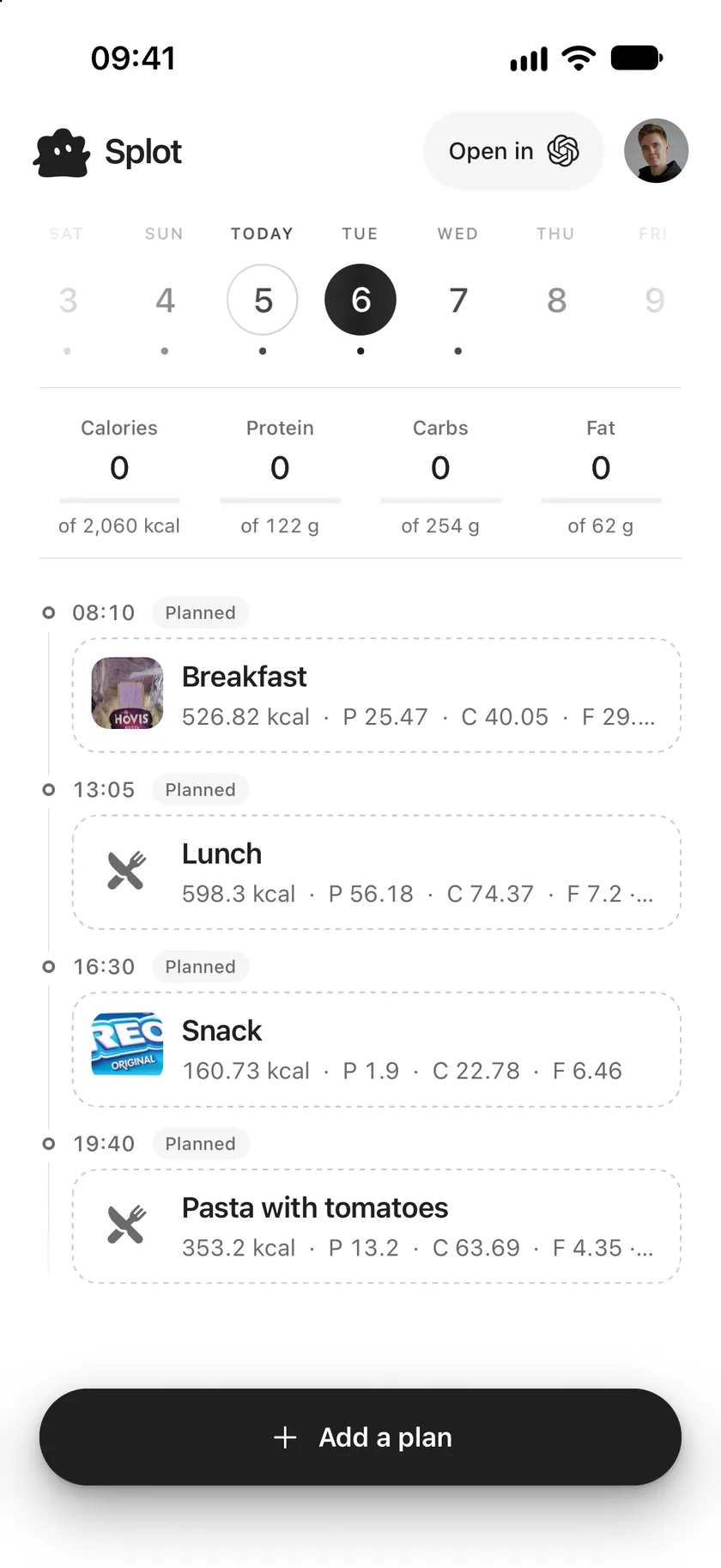
Planned meals sit in your journal beside the meals you ate, so the day ahead is ready when it comes. They don’t count towards your totals until you mark them as eaten.
Plan a meal
Section titled “Plan a meal”- Open a day ahead and tap Add a plan. On today, tap Log a meal and switch its title to Plan a meal.
- Add foods as you would when logging a meal.
- Check the day and time, then tap Plan.
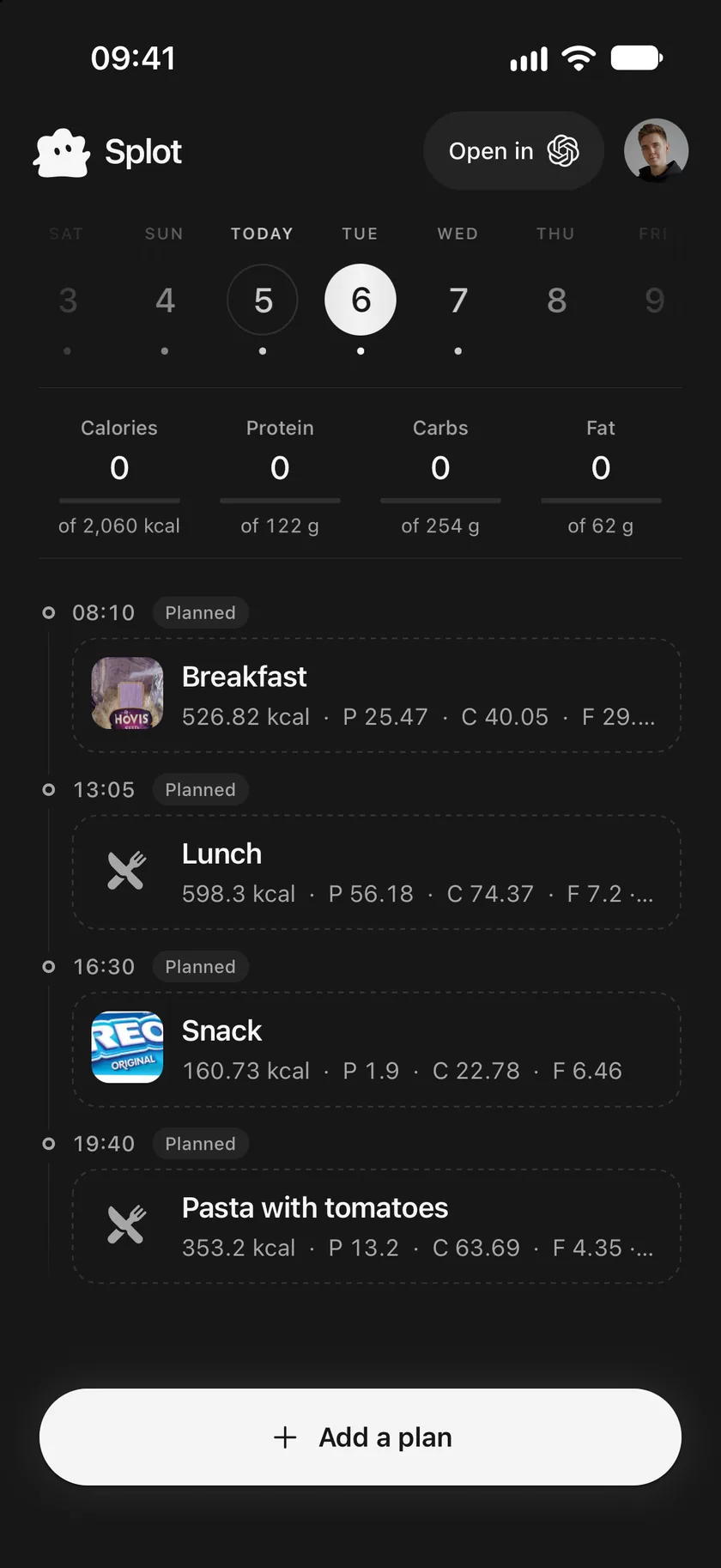
The plan appears with a dashed outline and a Planned label, and the day’s totals stay as they are.
When you eat it
Section titled “When you eat it”Once its time has come, touch and hold the planned meal and tap Mark as eaten. Or open it, change anything that was different, and tap Mark as eaten.
If you didn’t eat it after all, change or delete the plan. A meal marked as eaten by mistake turns back into a plan with Mark as not eaten.
Good to know
Section titled “Good to know”- A plan doesn’t count towards the day’s totals, so the bars show what you actually ate.
- Before its time, a plan’s button reads Update plan; changes keep it a plan.
- Your assistant can plan meals around your targets. Ask “Plan my meals for tomorrow” in a connected assistant.
Use this page
Last updated