Use this page
Your profile and settings
Everything in the You sheet: targets, body, assistants, account, API keys, appearance, units and help.
Open You
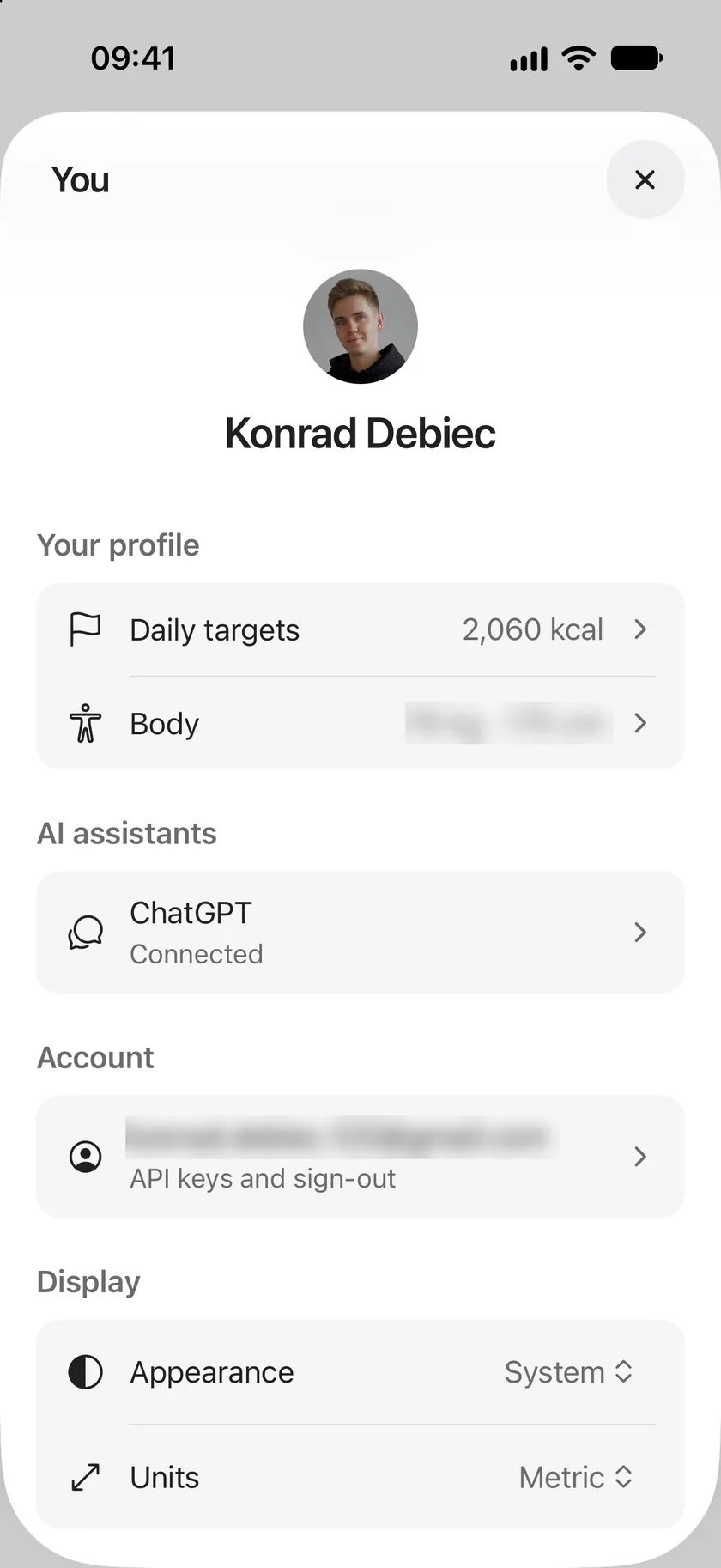
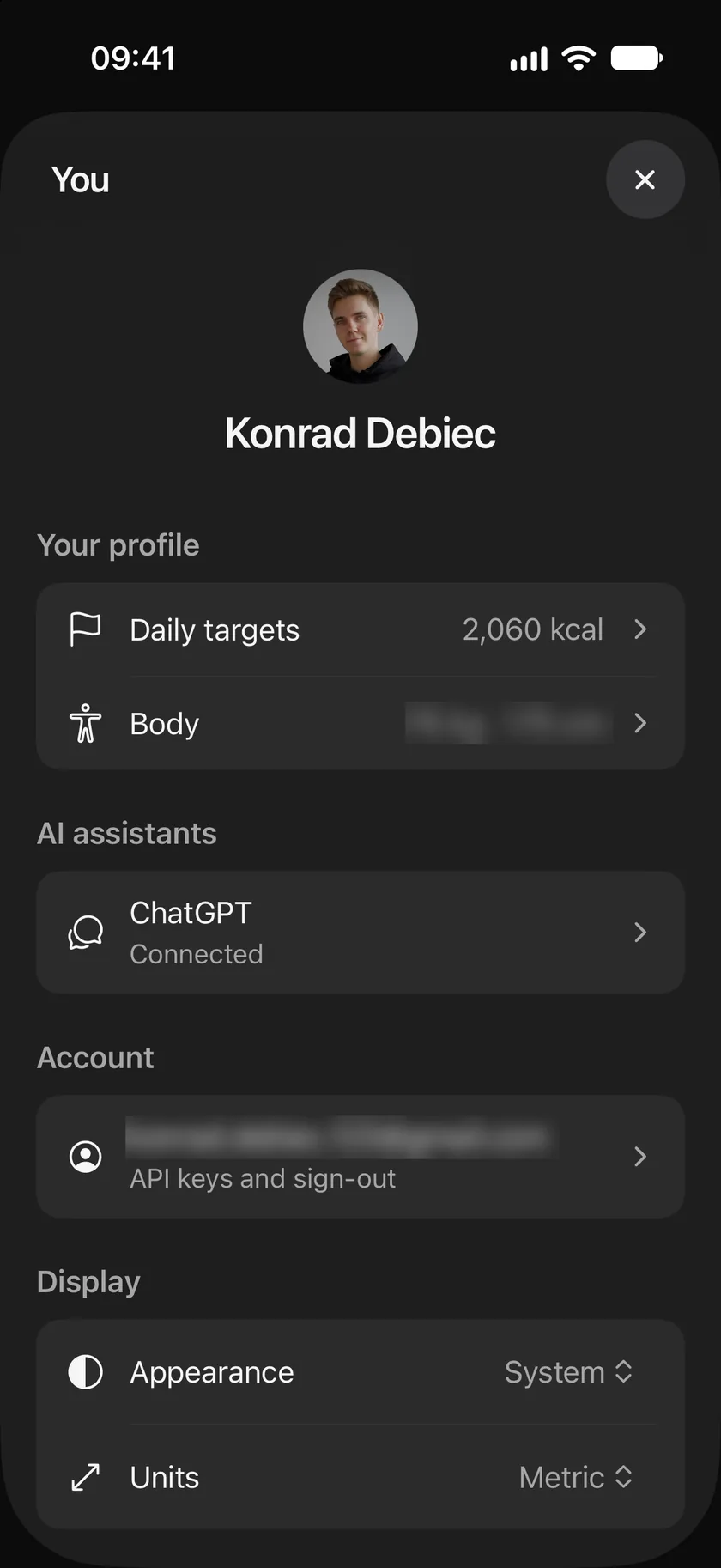
Section titled “Open You”Tap your picture at the top right of the journal to open You.
- Your profile: Daily targets opens your targets, and Body holds your weight, height, age, sex and activity, used only to work out targets.
- AI assistants: the assistants you connected.
- Account: your email, then API keys, the introduction, account deletion and logging out.
- Display: Appearance and Units.
- Get help: support and legal.
AI assistants
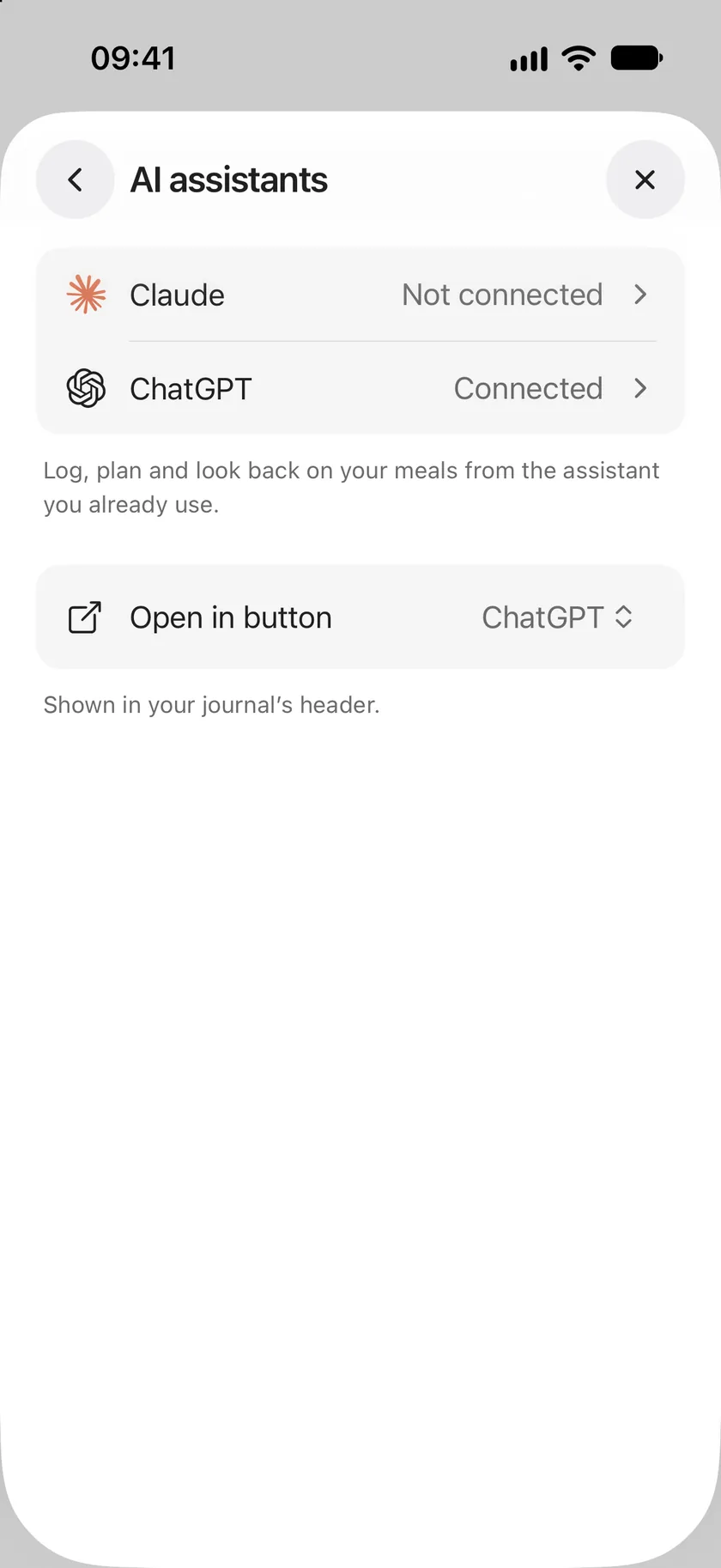
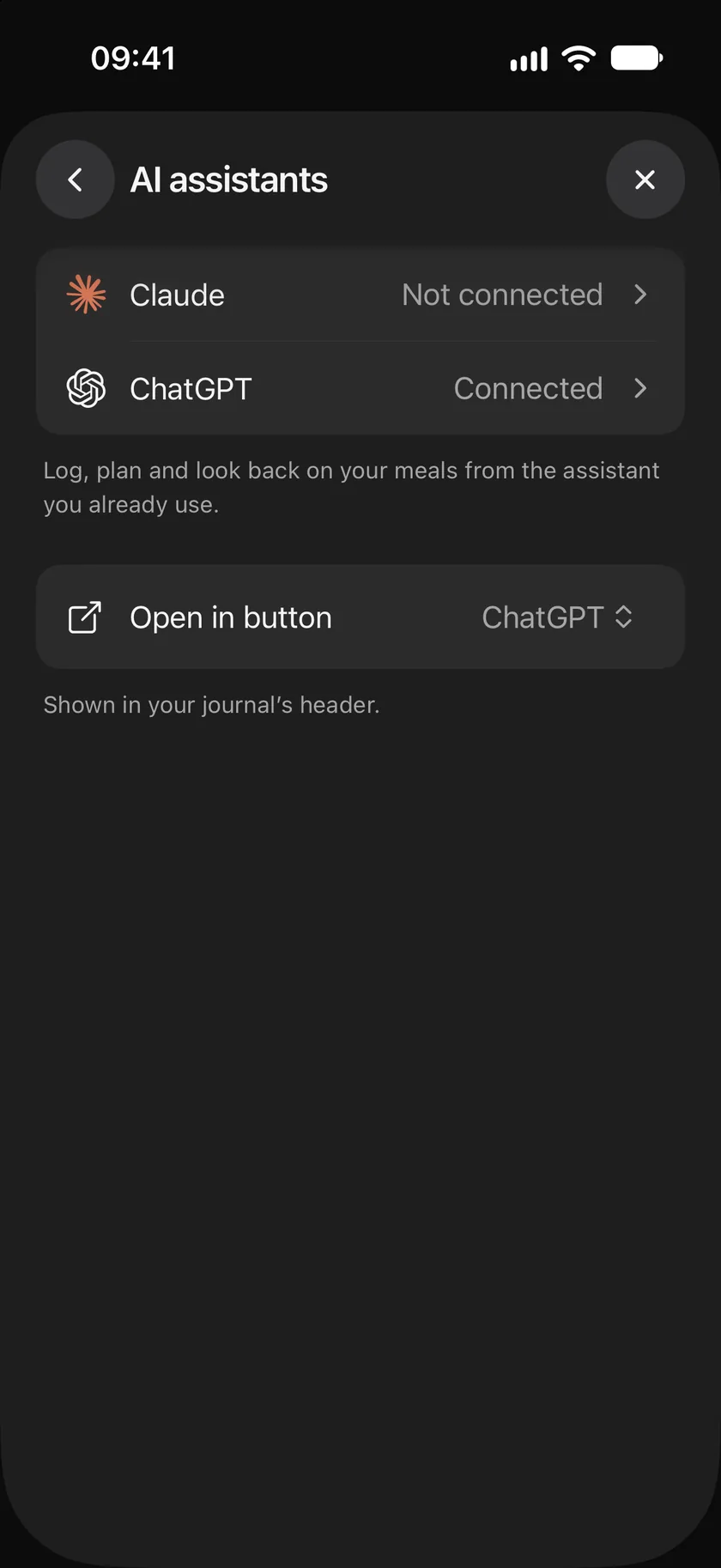
Section titled “AI assistants”AI assistants shows which assistants are connected. Tap one to connect it, with the steps for that assistant, or to disconnect it.
Open in button chooses the assistant that the Open in button at the top of the journal opens, or hides the button.
See Connect Claude and Connect ChatGPT.
Account
Section titled “Account”Tap your email to open Account:
- Email: the account you signed in with.
- API Keys: keys for your own scripts and apps. Give a key a name, choose whether it may change meals and foods, and how long it lasts: 30 days, 90 days or 1 year. The key is shown once, so copy it straight away. Revoke a key here when you no longer need it. See the Splot API.
- Replay introduction: shows the introduction again the next time you sign in.
- Delete account: see Delete your account.
- Log out: signs you out of this device. Your journal stays in your account.
Display
Section titled “Display”- Appearance: System follows your phone’s light or dark mode; or choose Light or Dark.
- Units: Automatic follows your phone; or choose Metric, US or UK. Units change how portions and weights are shown. Targets are always in kilocalories and grams.
Get help
Section titled “Get help”- Contact support writes to support@splot.health.
- Legal has the Terms of Use, the Privacy Policy and the Consumer Health Data Privacy Policy.
Use this page
Last updated