Use this page
Delete your account
What deleting your Splot account removes, and how to keep a copy of your journal first.
Delete it in the app
Section titled “Delete it in the app”- Tap your picture at the top right of the journal to open You.
- Tap your email, then Delete account.
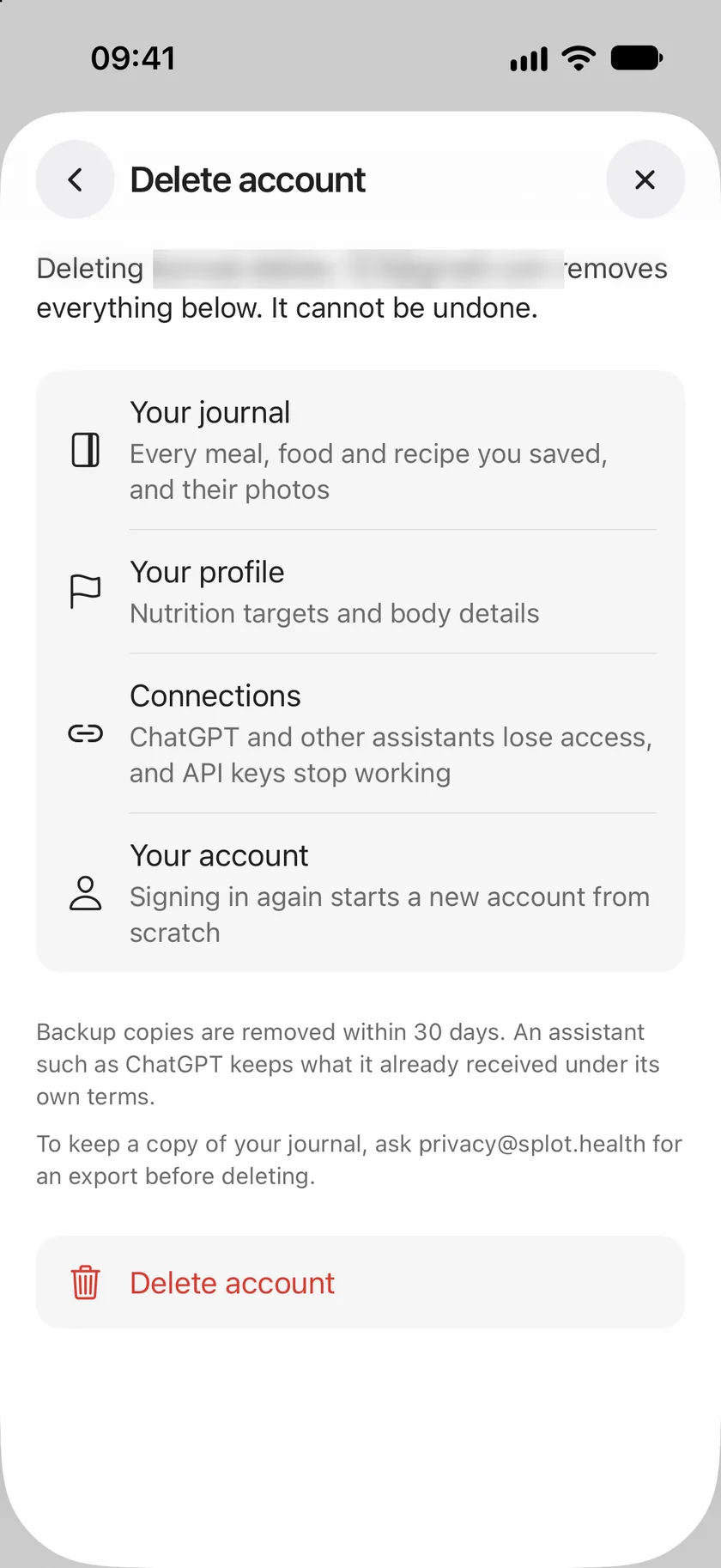
- Read what will be removed and tap Delete account.
If you sign in with Apple, Apple asks you to confirm next, which also disconnects Sign in with Apple from Splot. Your account is deleted as soon as you confirm.
What is deleted
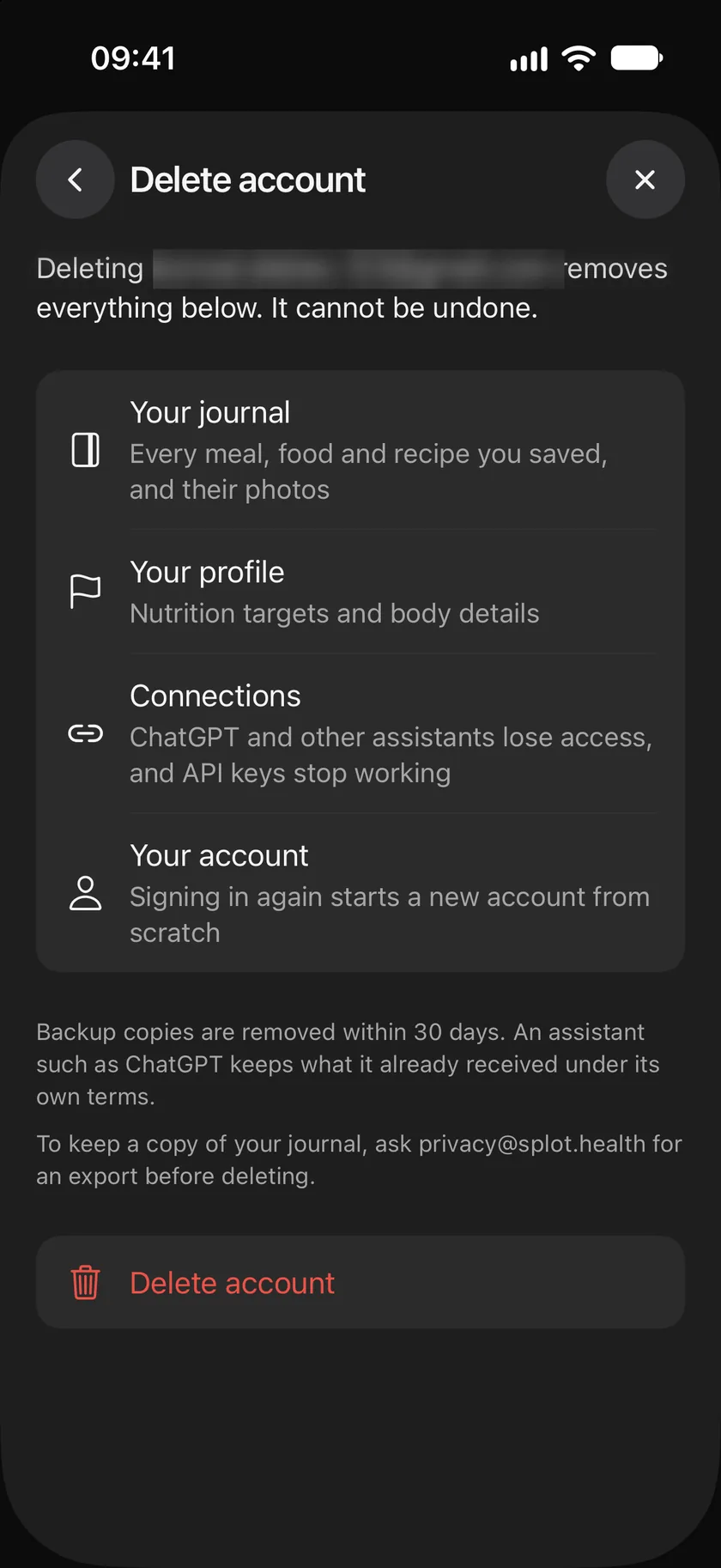
Section titled “What is deleted”- Your journal: every meal, food and recipe you saved, and their photos.
- Your profile: your nutrition targets and body details.
- Connections: connected assistants lose access, and your API keys stop working.
- Your account: signing in again starts a new account from scratch.
Deleting can’t be undone. Backup copies are removed within 30 days. An assistant keeps what it already received under its own terms.
Keep a copy first
Section titled “Keep a copy first”To keep a copy of your journal, download it with the Splot API before you delete your account: a read-only API key gives you every meal, food and recipe you saved. Your keys stop working once the account is deleted.
You can also delete your account on the web without the app.
Use this page
Last updated