Use this page
Your foods and recipes
Make your own foods and recipes, change a product's details, and see where each food comes from.
Most foods come from Splot’s catalogue. When one is missing or you cook something yourself, make your own. Your foods and recipes are kept in My foods, where only you see them.
Make a food
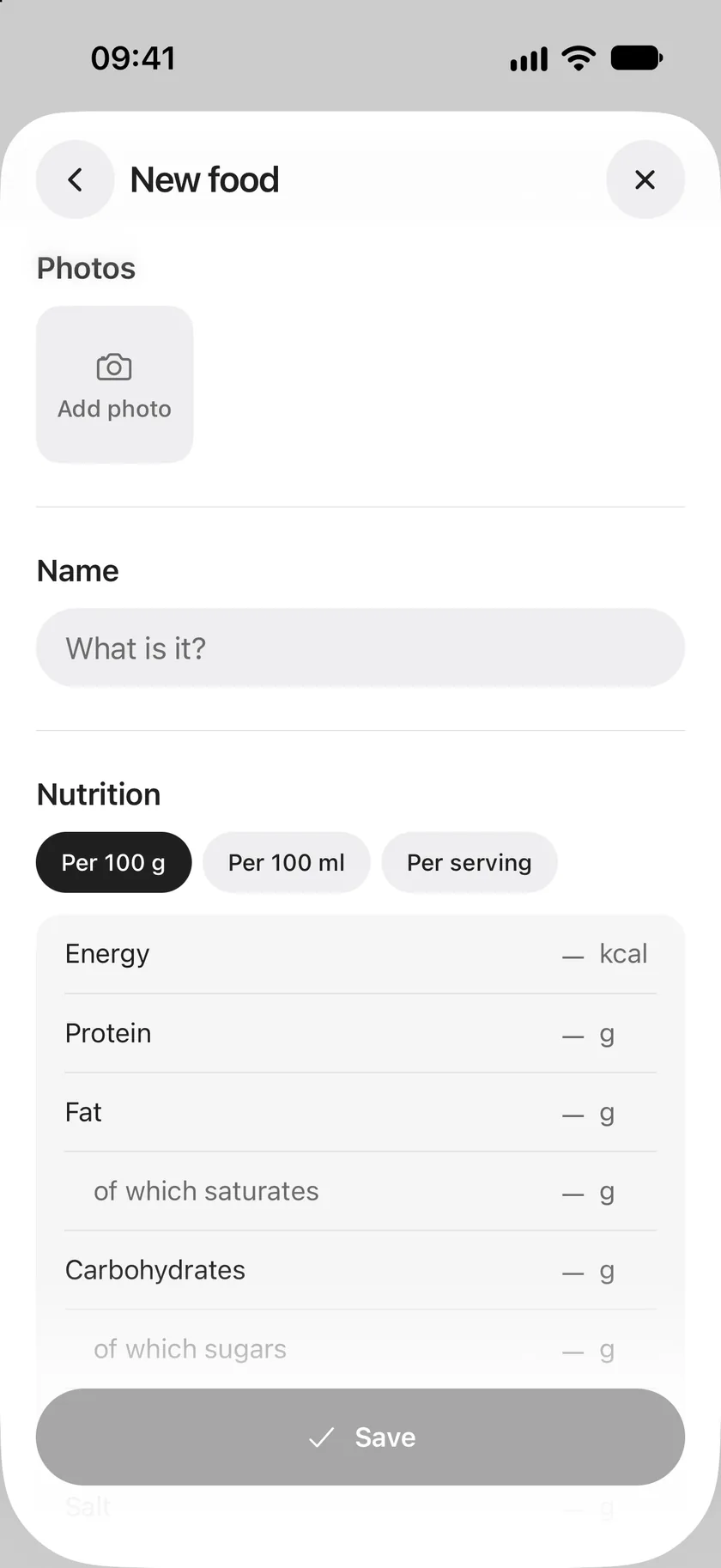
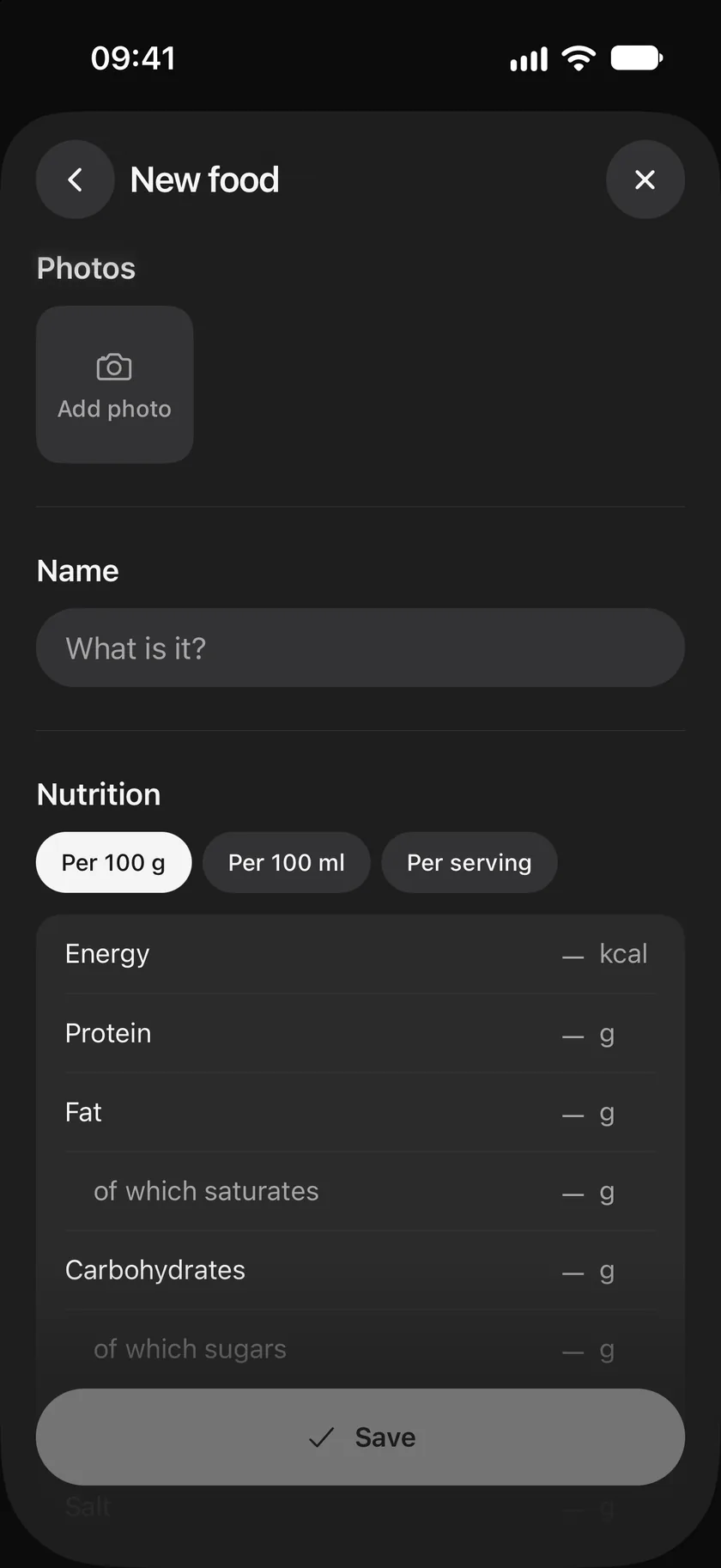
Section titled “Make a food”- Tap Log a meal, then + beside the search field.
- Add photos if you like, and a Name.
- Under Nutrition, choose Per 100 g, Per 100 ml or Per serving, and enter what the label says: energy, protein, fat and saturates, carbohydrates and sugars, fibre and salt. Leave out what you don’t know.
- Under Portions, add the amounts you usually have, such as a slice of 30 g.
- Tap Save.
The food is saved to My foods, ready for this meal and the next.
Make a recipe
Section titled “Make a recipe”A recipe is a food made of other foods. Start a new food as above, then:
- Under Ingredients, tap Add ingredient for each food and its amount. The nutrition adds up for you.
- Set how many servings it makes.
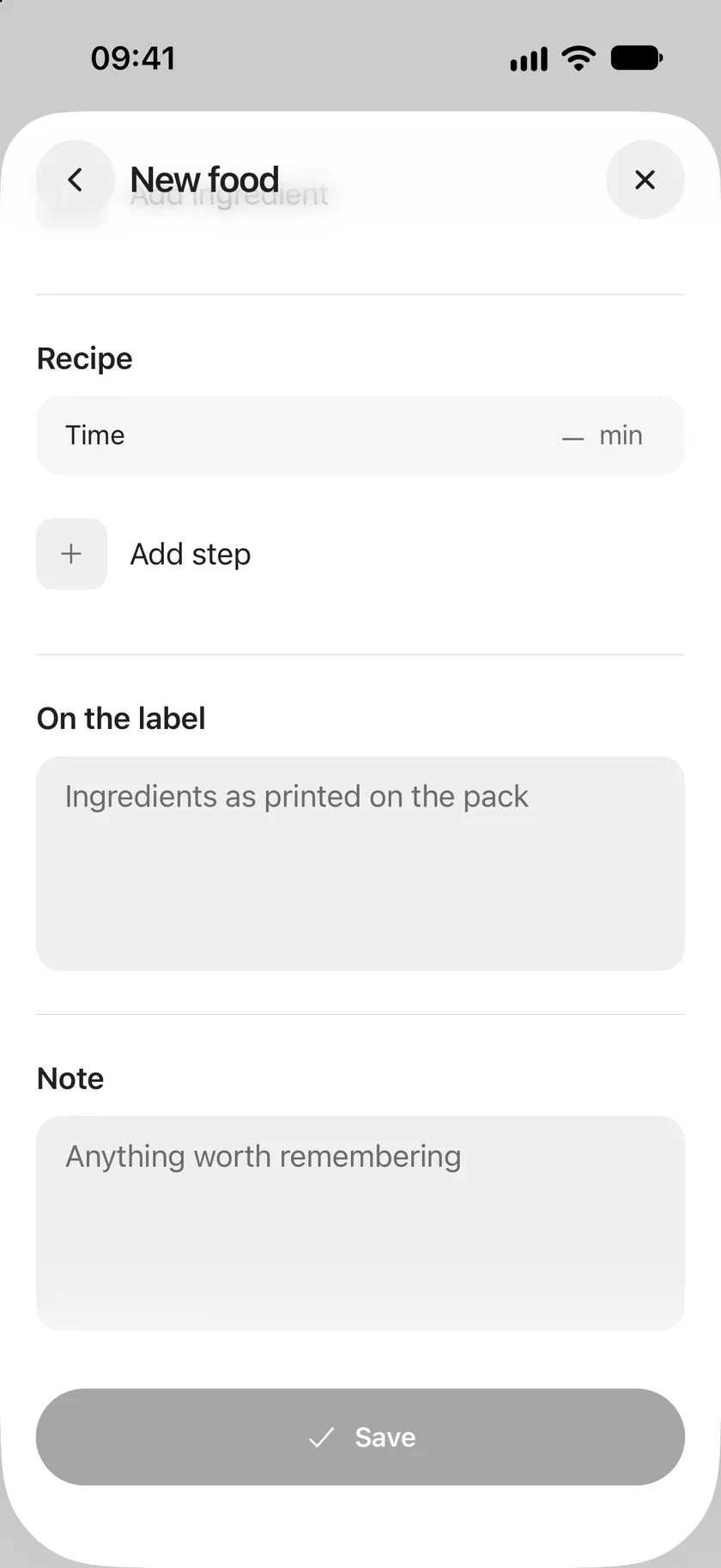
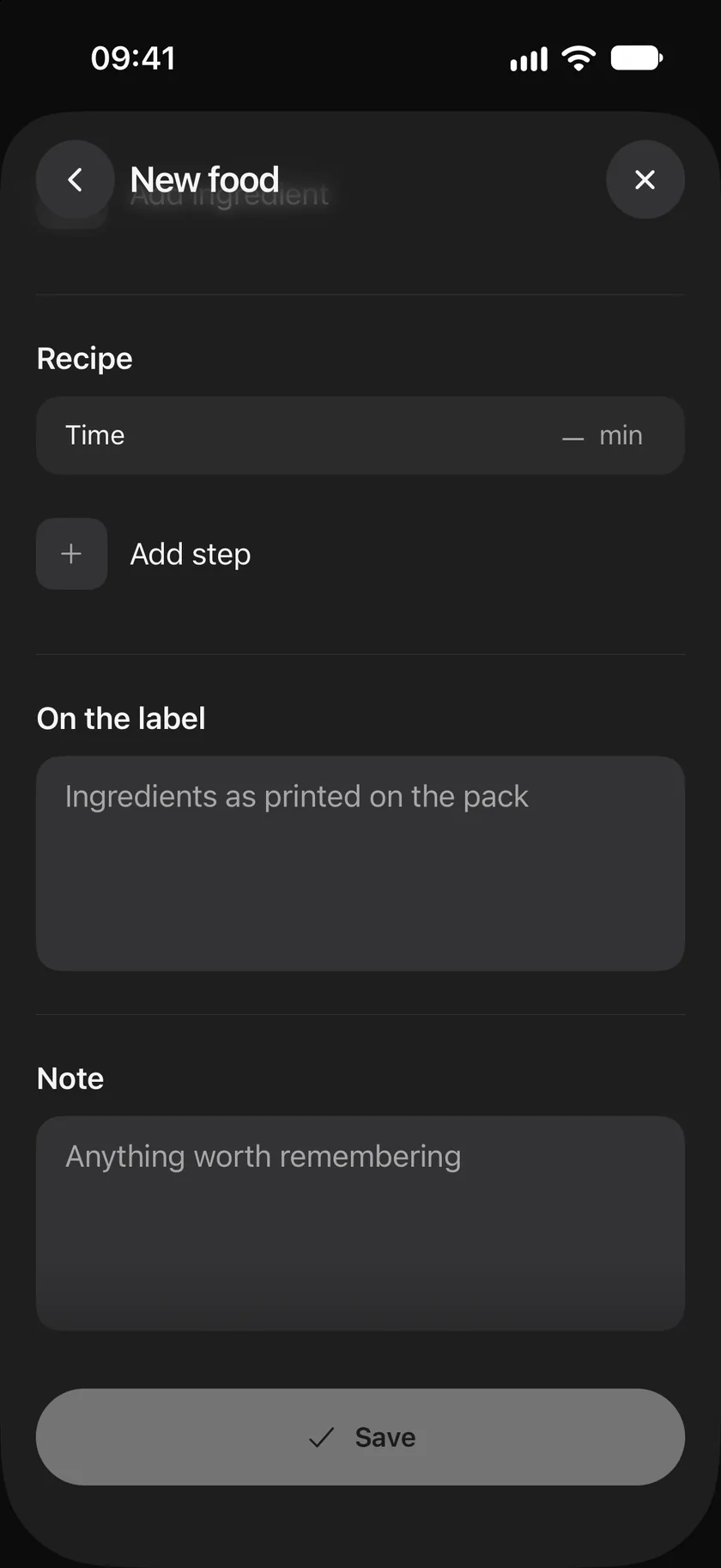
- Under Recipe, add the time it takes and tap Add step for each step of the method.
- Tap Save.
You log a recipe in servings. Its nutrition is per serving, added up from its ingredients.
A food’s page
Section titled “A food’s page”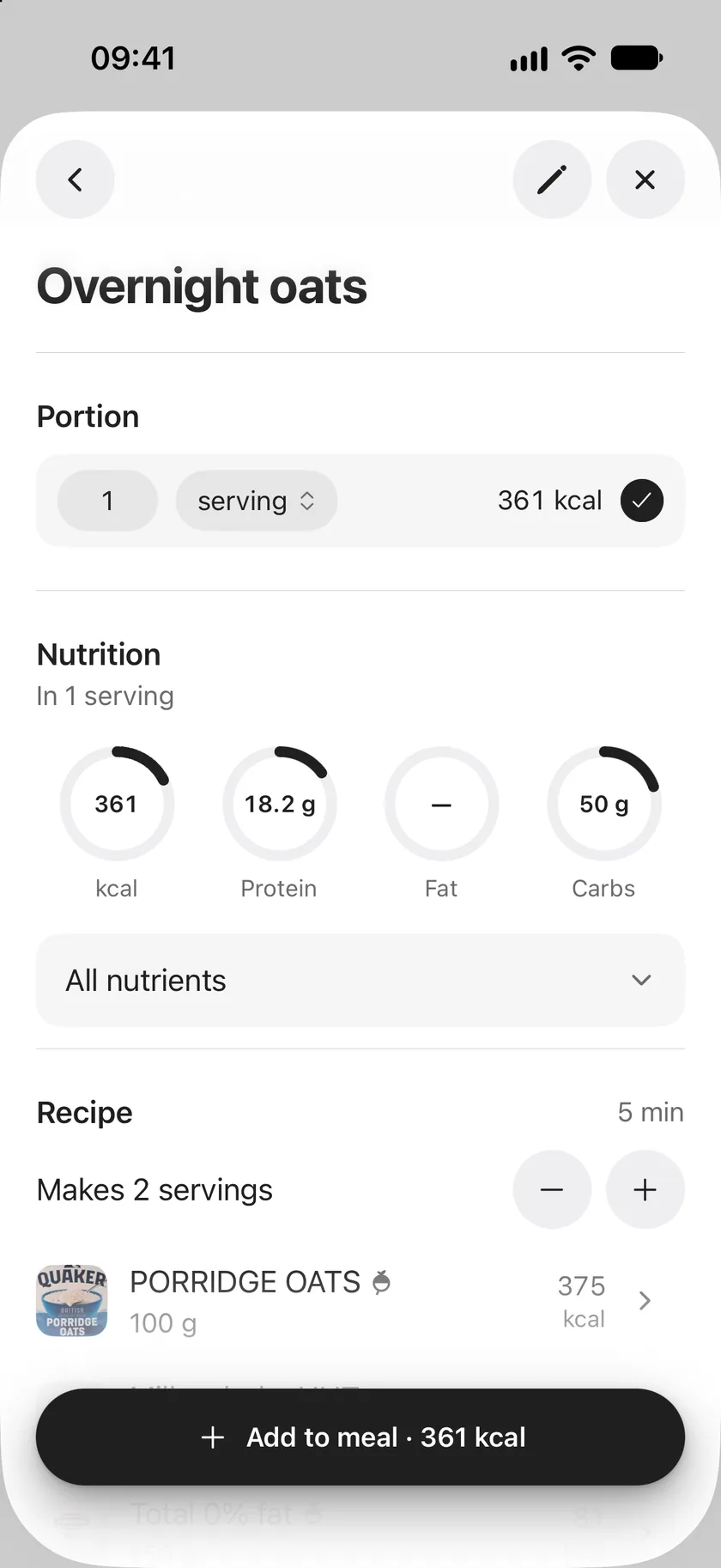
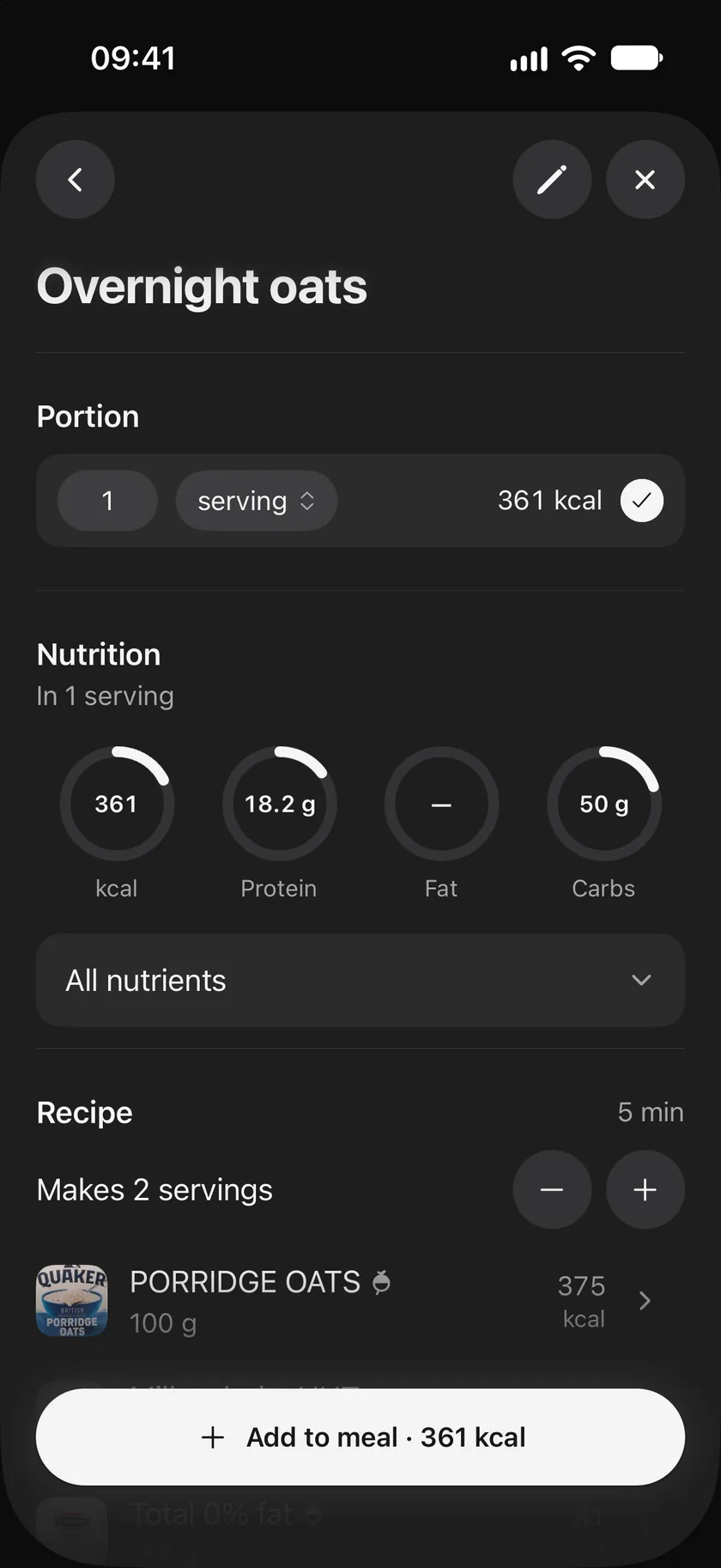
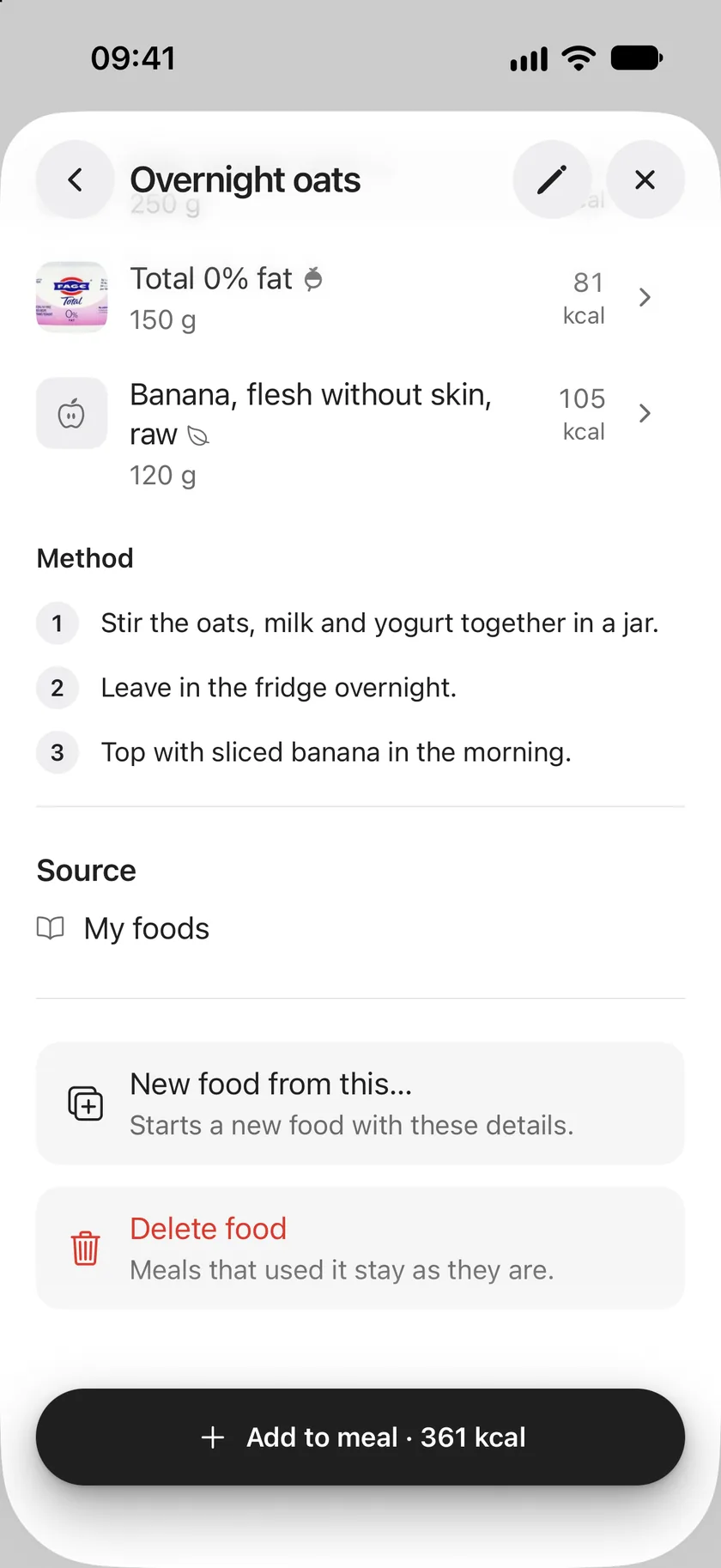
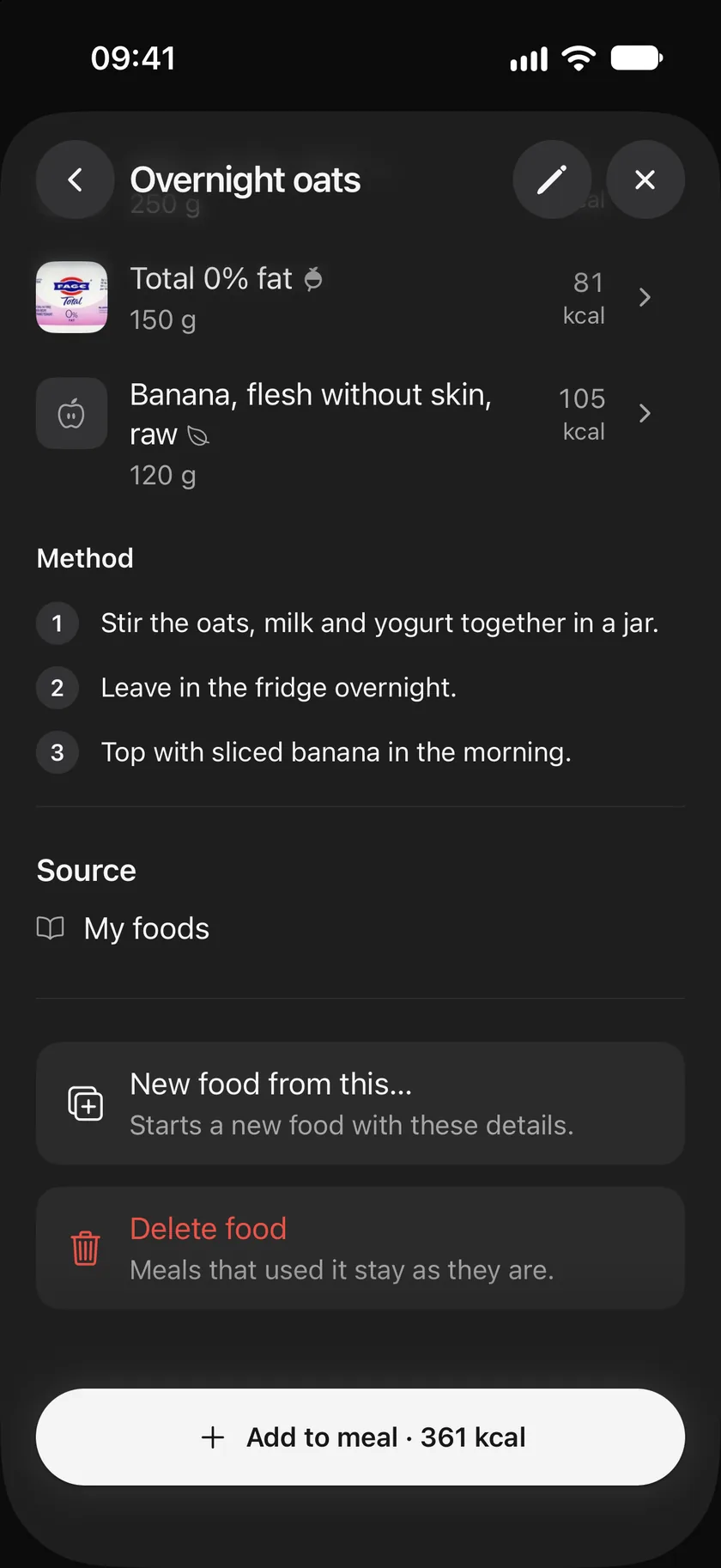
Tap any food to open its page: its photos, Portion, Nutrition with All nutrients, and for a recipe its ingredients and Method. Below are On the label (ingredients as printed on the pack), Note and Source.
- New food from this… starts a new food with the same details, to make a variation.
- The pencil changes a food. Changing a product from the catalogue saves your own copy in My foods; the shared product stays as it is.
- Delete food removes one of your own foods. Meals that used it stay as they are.
Where foods come from
Section titled “Where foods come from”Each food has a small mark beside its name.
| Mark | Source |
|---|---|
| Leaf | Common foods: generic ingredients such as eggs, rice or broccoli, from national food composition tables. |
| Splot mark | Splot database: packaged products added to Splot. |
| Open Food Facts mark | Open Food Facts: packaged products from the open product database. |
| Person | A food you made. |
| Book | A recipe. |
| Assistant’s mark | A food a connected assistant made for you. |
A ≈ before the calories means the values are an estimate, such as an assistant’s estimate from a photo. A dash (—) means a nutrient is unknown: Splot never treats unknown as zero.
Use this page
Last updated